Read all-day and timed entries
See dated tasks and table records in calendar views.
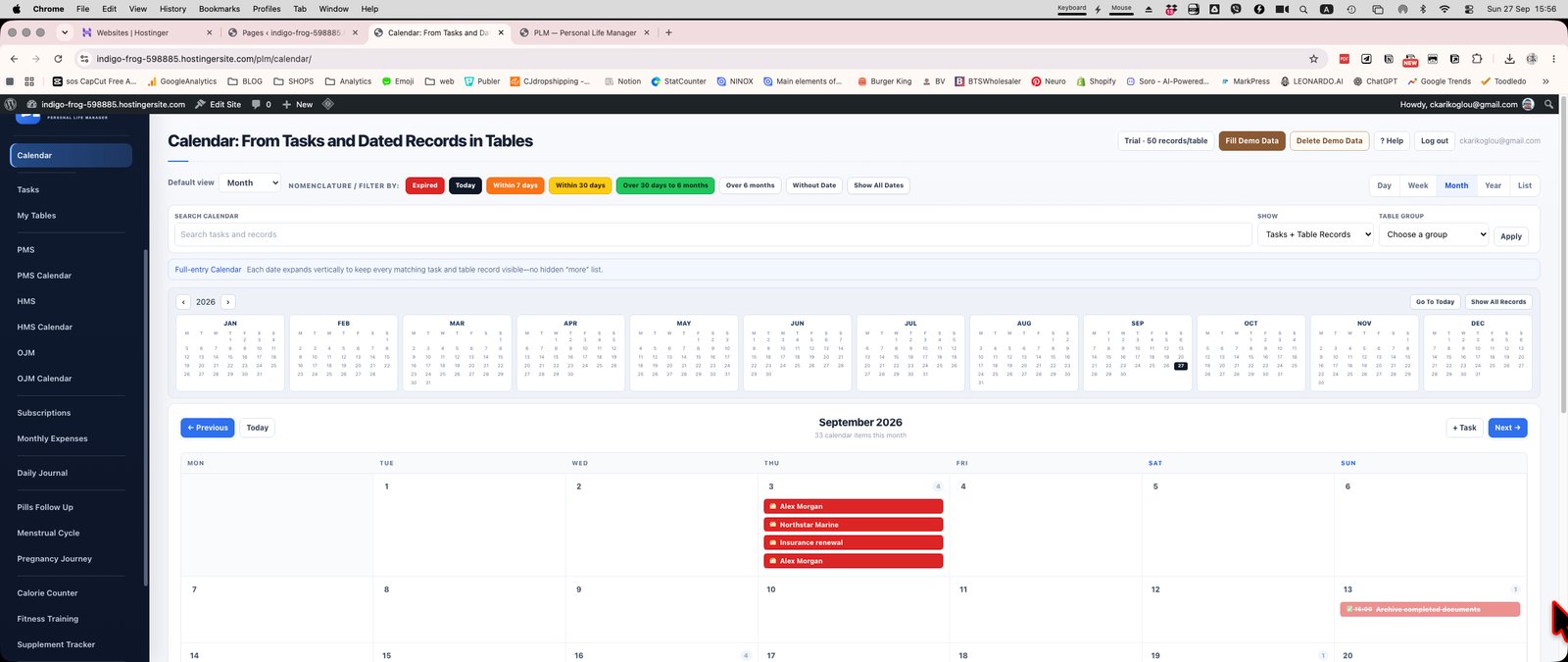
- Check all-day items separately from timed appointments.
- Read the displayed time before following an entry.
- Open the underlying task or record to change the date rather than creating another item.
Example
An all-day renewal and a 10:30 call may share a date. Their placement differs because one has a time and the other does not.
Check the result: Open the underlying task or record to change the date rather than creating another item.