Use calendar colour bands
See dated tasks and table records in calendar views.
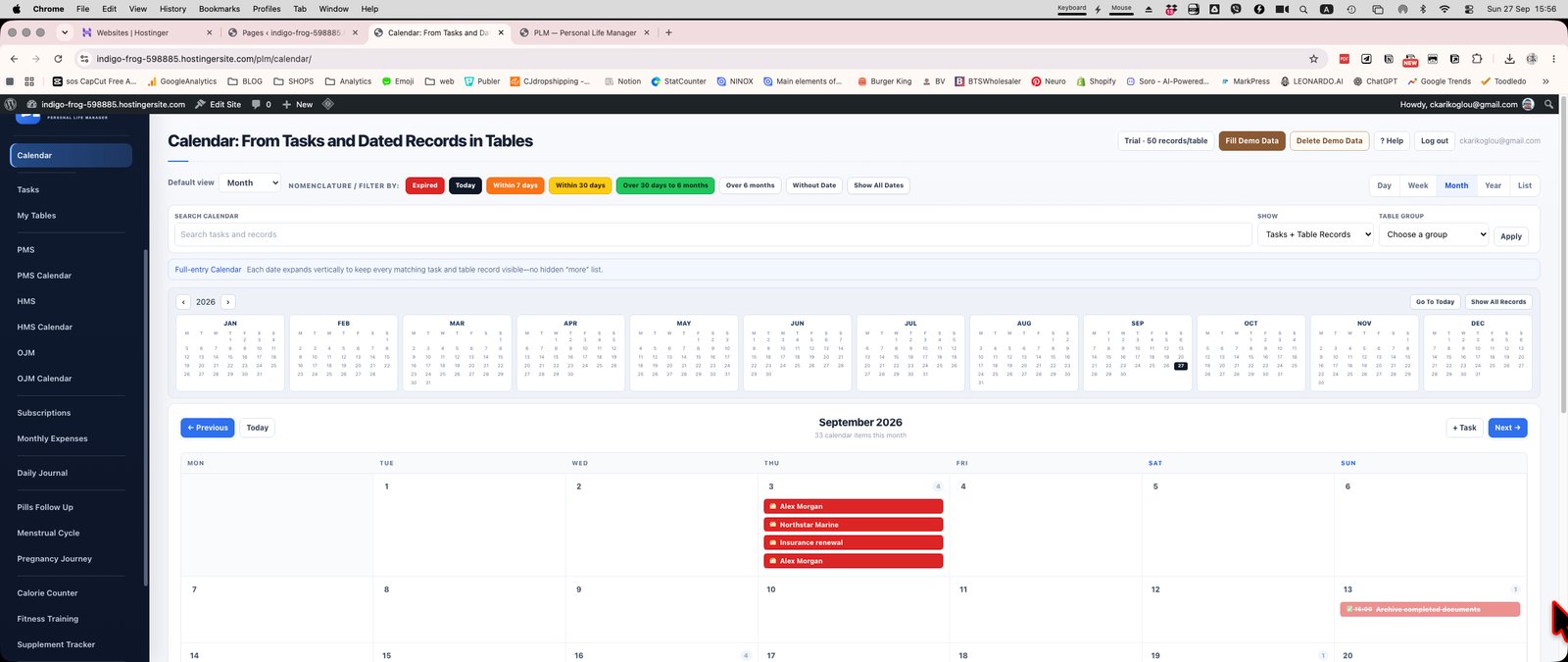
- Set work and night hours in Settings.
- Check the current calendar view against those preferences.
- Use due-date colours for urgency and time bands for daily planning.
Example
Set the working period to your actual workday. The background band is a scheduling aid; an overdue task can still have its own urgency colour.
Check the result: Use due-date colours for urgency and time bands for daily planning.