Record a meal and its nutrients
Track food entries, daily totals, limits and calorie history.
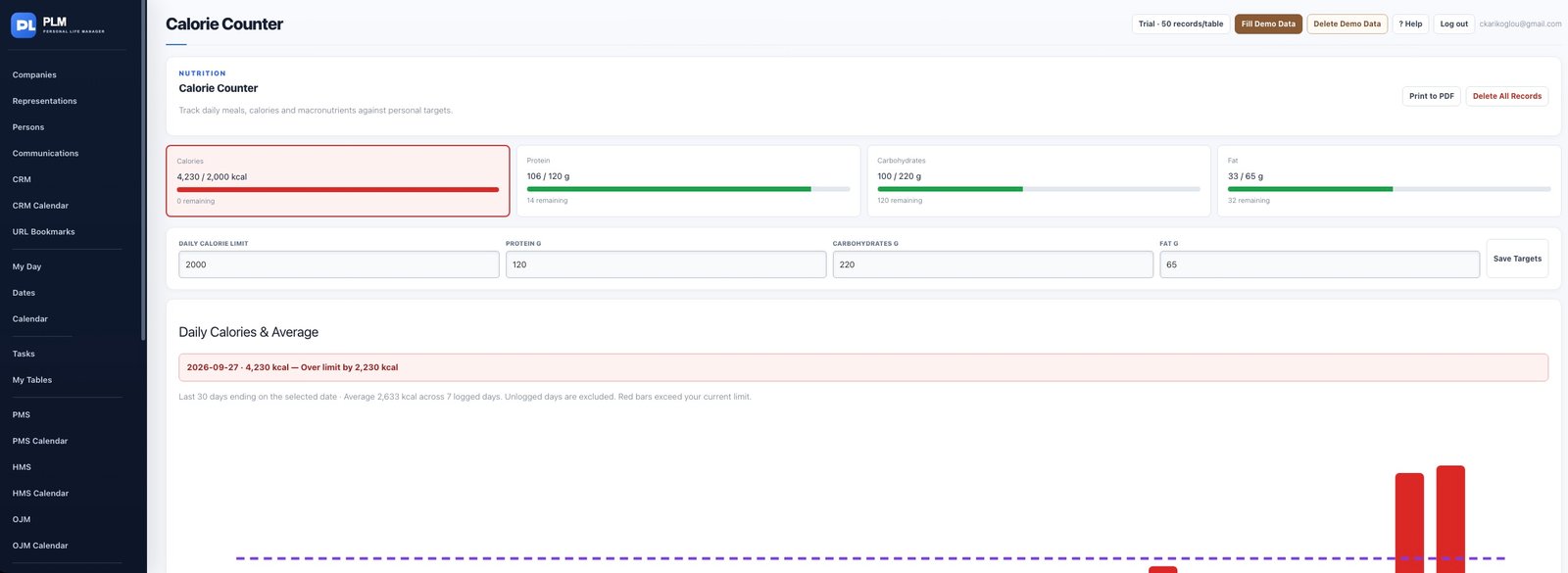
- Choose the date and meal type.
- Enter the food description, calories and known macronutrients.
- Check the selected-day summary after adding the entry.
Example
For a meal with known nutrition information, enter its calories and available grams of protein, carbohydrate and fat. Do not count the meal twice.
Check the result: Check the selected-day summary after adding the entry.