Use the daily calorie limit
Track food entries, daily totals, limits and calorie history.
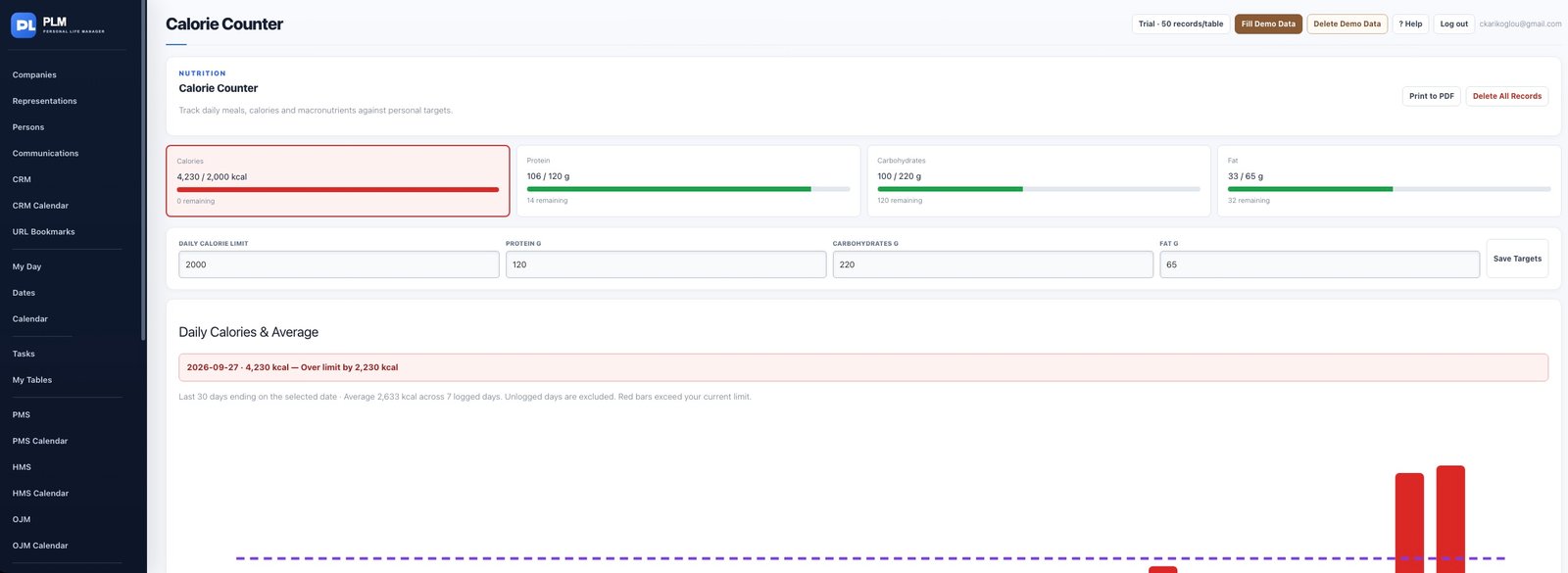
- Set Daily Calorie Limit in the target form.
- Save the targets and review the selected-day total.
- Read the red Over limit message when recorded calories exceed that limit.
Example
With a personal limit of 2,000 and recorded intake of 2,200, the selected day should show Over limit by 200 kcal.
Check the result: Read the red Over limit message when recorded calories exceed that limit.