Log a customer telephone call
Record dated contact with a person and retrieve earlier conversations.
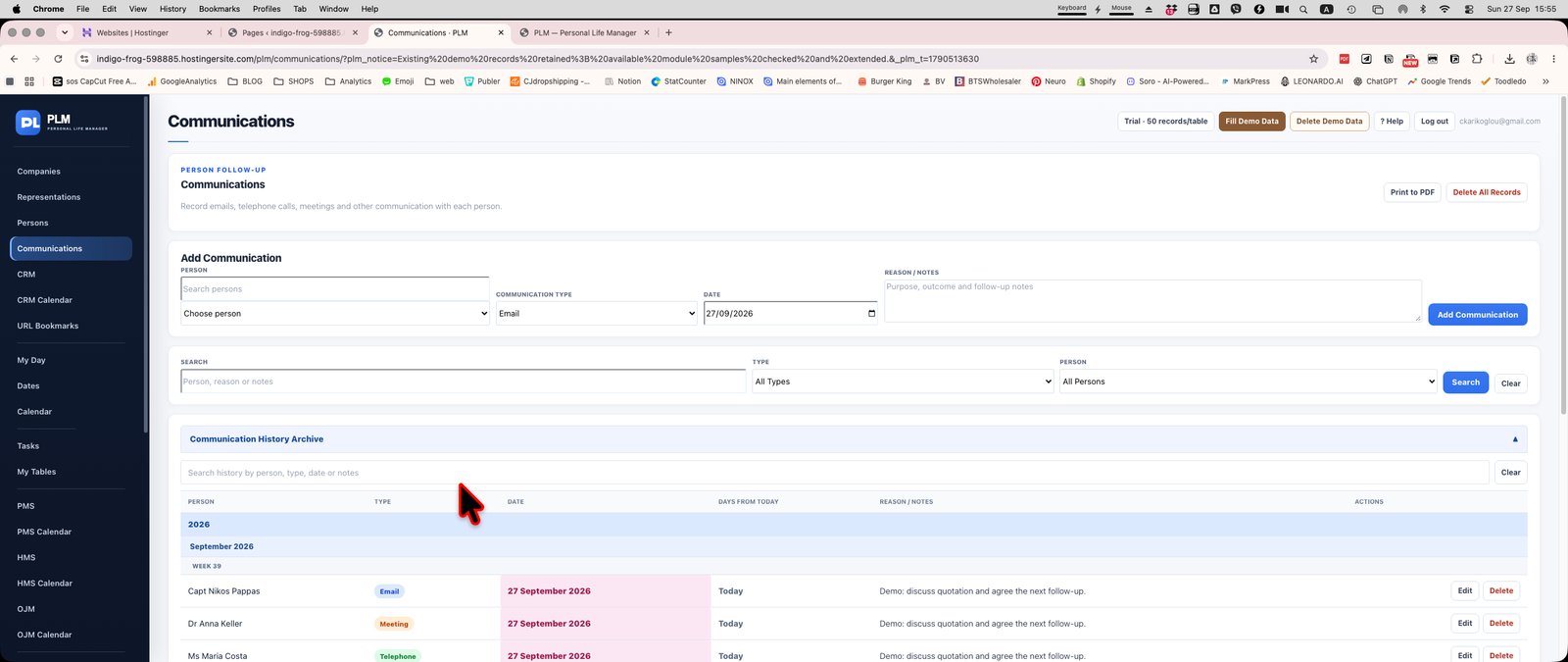
- Choose the person from the searchable list.
- Select Telephone, set the date and write the reason or outcome.
- Save and locate the call under its date group.
Example
Log a telephone discussion with Maria under Telephone and record the agreed follow-up in the reason or notes. This preserves context for the next call.
Check the result: Save and locate the call under its date group.