Build a company profile
Maintain organisation profiles and business relationships.
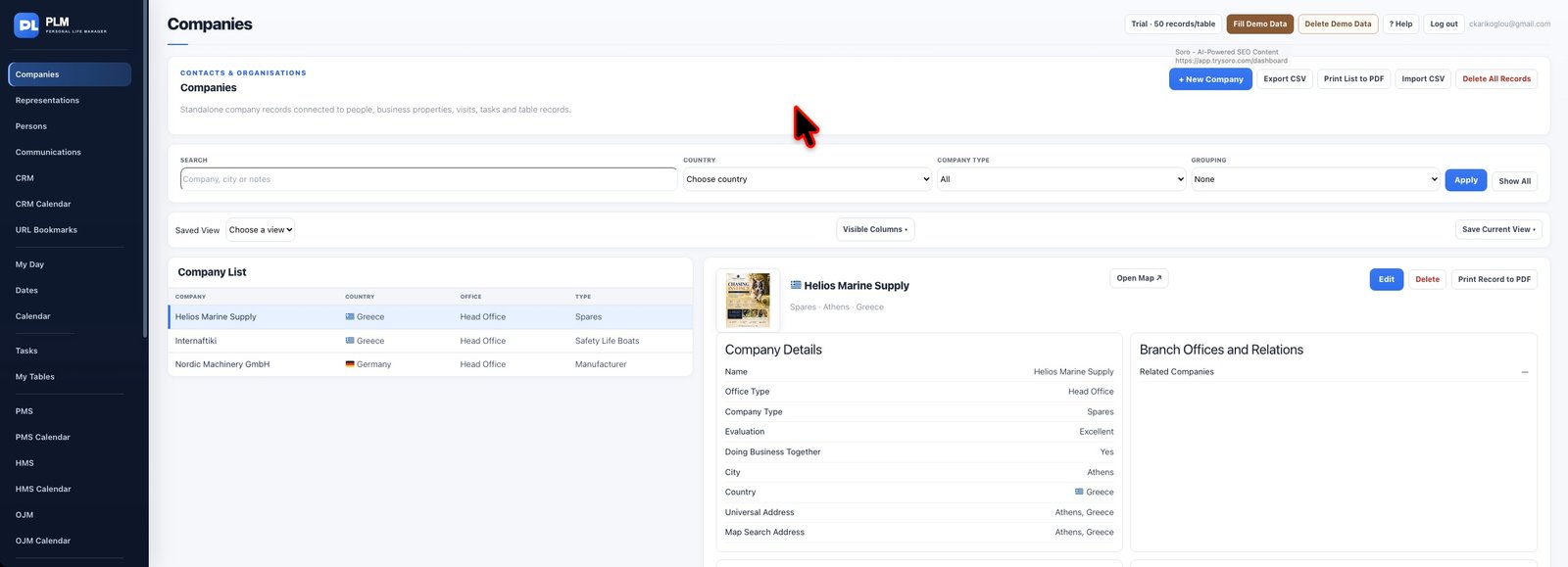
- Enter the company name, country, city and office details.
- Add labelled email and telephone entries so each channel is understandable.
- Save and reopen the record to check the displayed contact information.
Example
For a supplier with separate sales and support teams, label both email addresses. A later user can then choose the appropriate channel without guessing.
Check the result: Save and reopen the record to check the displayed contact information.