Connect people and companies
Maintain organisation profiles and business relationships.
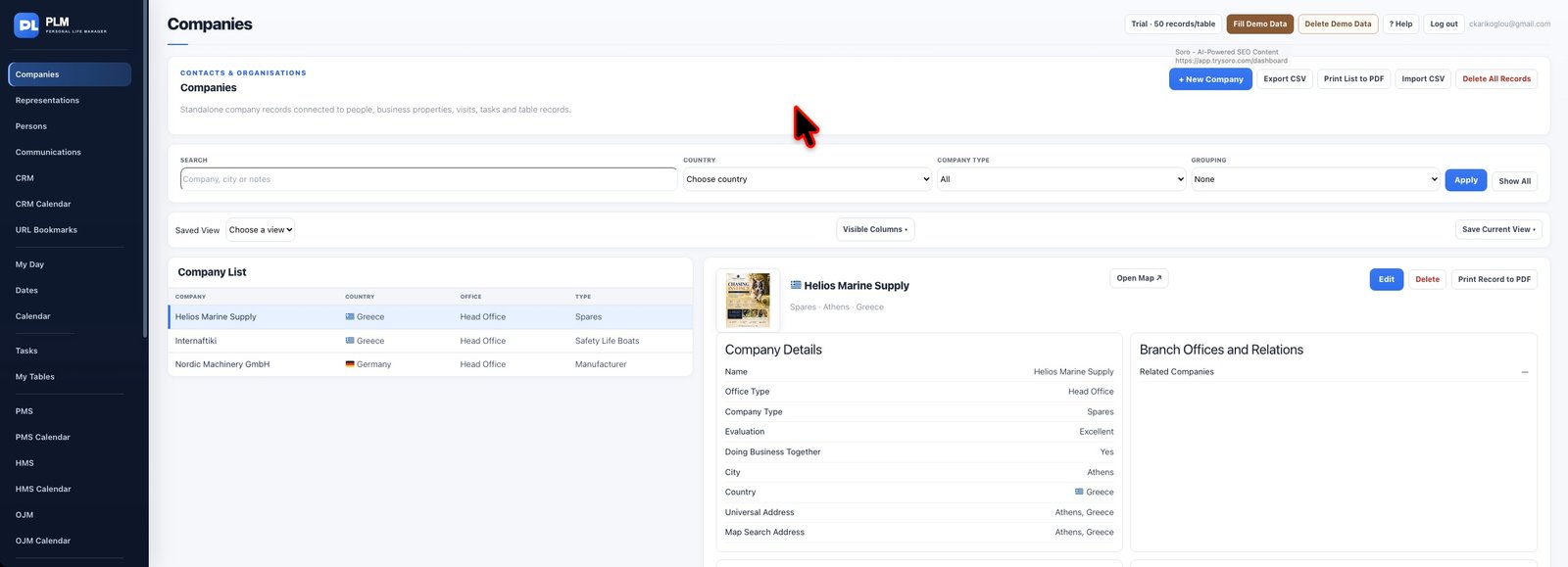
- Create the company before linking it from a person record.
- Use the company selector and type to narrow its options.
- Check the company’s related people after saving the connection.
Example
Create Northstar first, then assign its purchasing contact in Persons. A person working with multiple organisations can keep those connections in one profile.
Check the result: Check the company’s related people after saving the connection.