Manage company images
Maintain organisation profiles and business relationships.
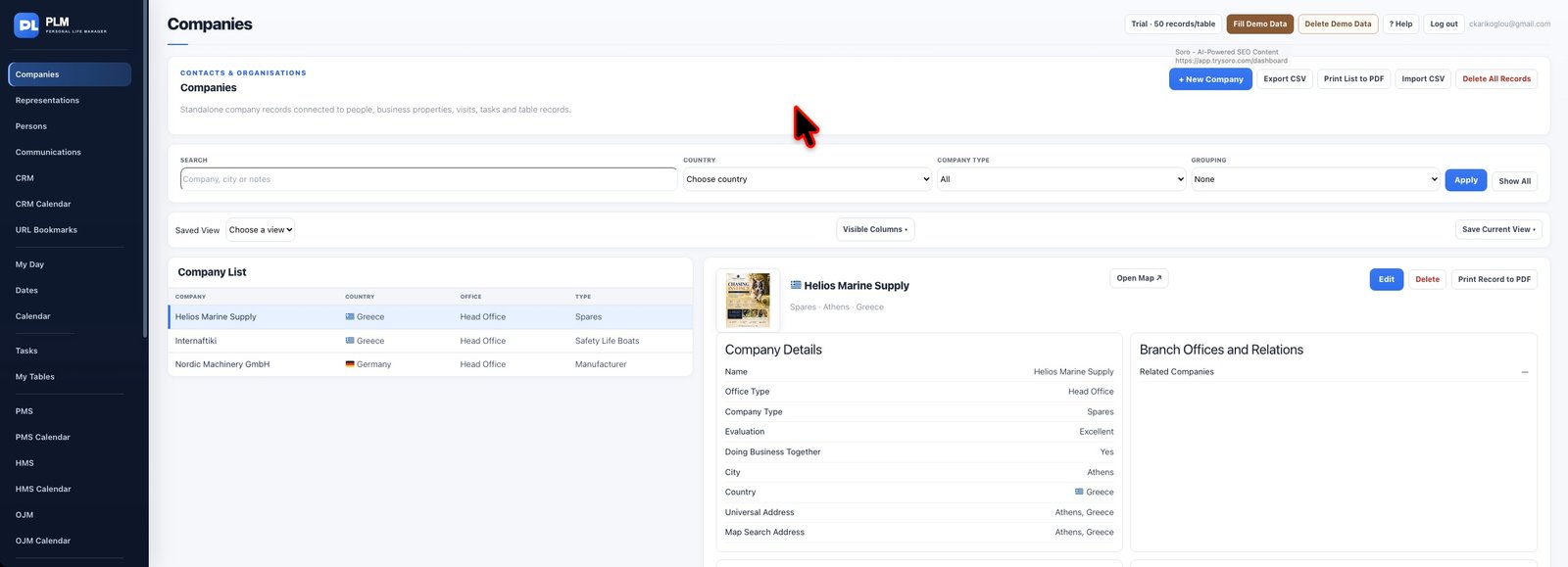
- Choose the image field in the company form.
- Use Remove Current Image when replacing an unsuitable image.
- Save the record and check the thumbnail in the record view.
Example
If a company logo belongs to the wrong organisation, remove it in the form and save. Reopen the company before assuming the displayed thumbnail refreshed.
Check the result: Save the record and check the thumbnail in the record view.