Use the CRM calendar
Plan person visits and connect business properties with companies.
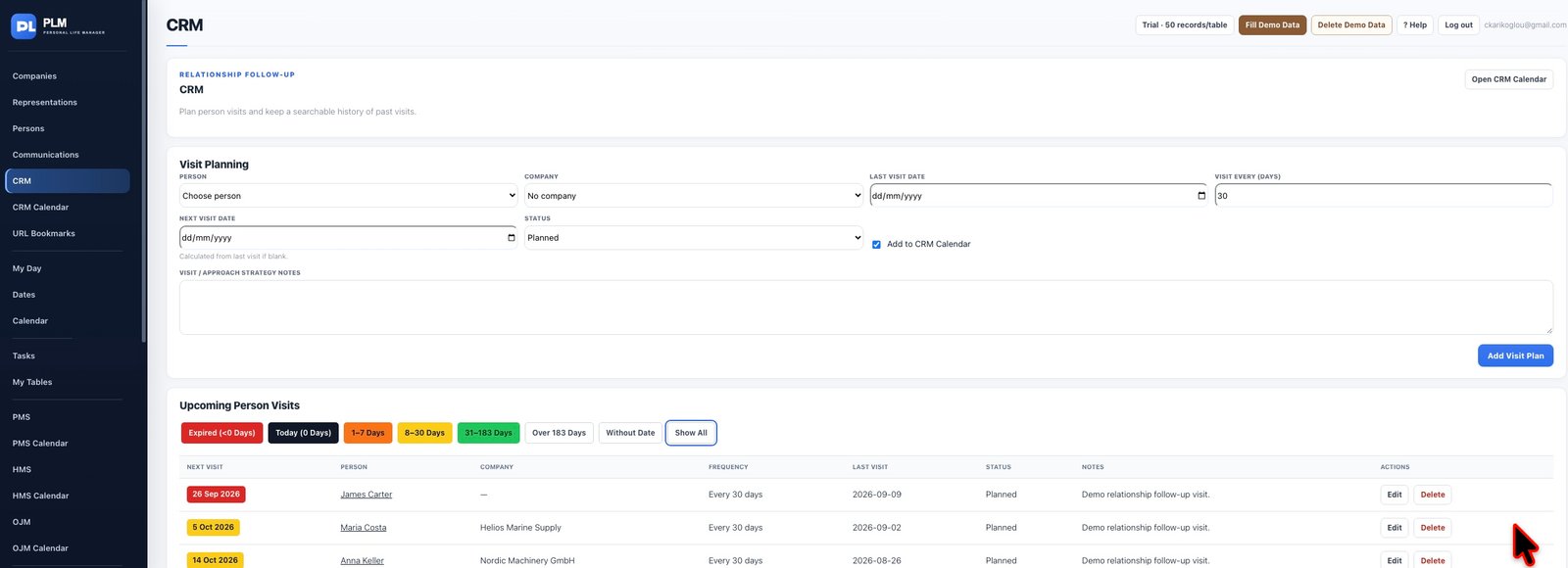
- Open CRM Calendar from the sidebar.
- Navigate to the planned visit date.
- Follow the calendar entry to check the underlying visit rather than adding a duplicate.
Example
Open the visit from CRM Calendar to inspect its person and company. Editing that record keeps the list and calendar referring to the same visit.
Check the result: Follow the calendar entry to check the underlying visit rather than adding a duplicate.