Print a journal period
Keep dated writing and review mood patterns.
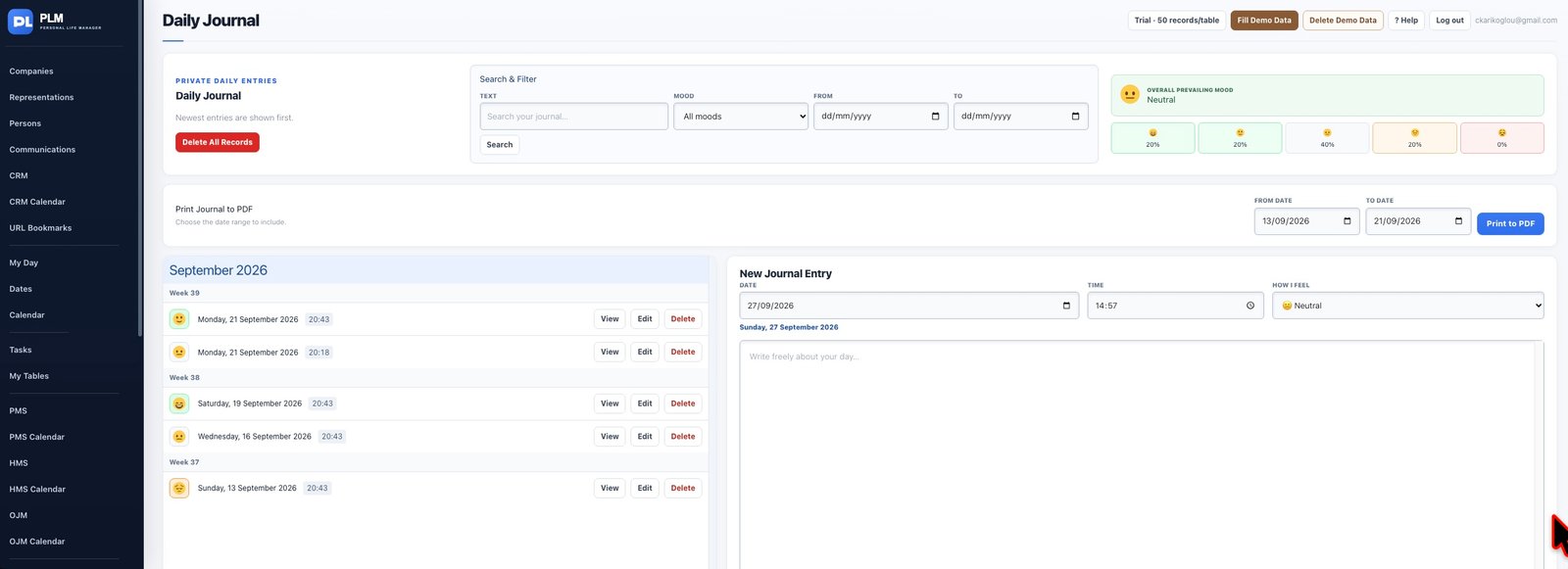
- Choose the desired date range in the print controls.
- Inspect the entry order in the preview.
- Save the PDF locally when the selection contains private writing.
Example
Choose one month for a personal review PDF. Check the beginning and end dates before storing or sharing the exported writing.
Check the result: Save the PDF locally when the selection contains private writing.