Find a dated table record
Review dated tasks and table records through urgency filters.
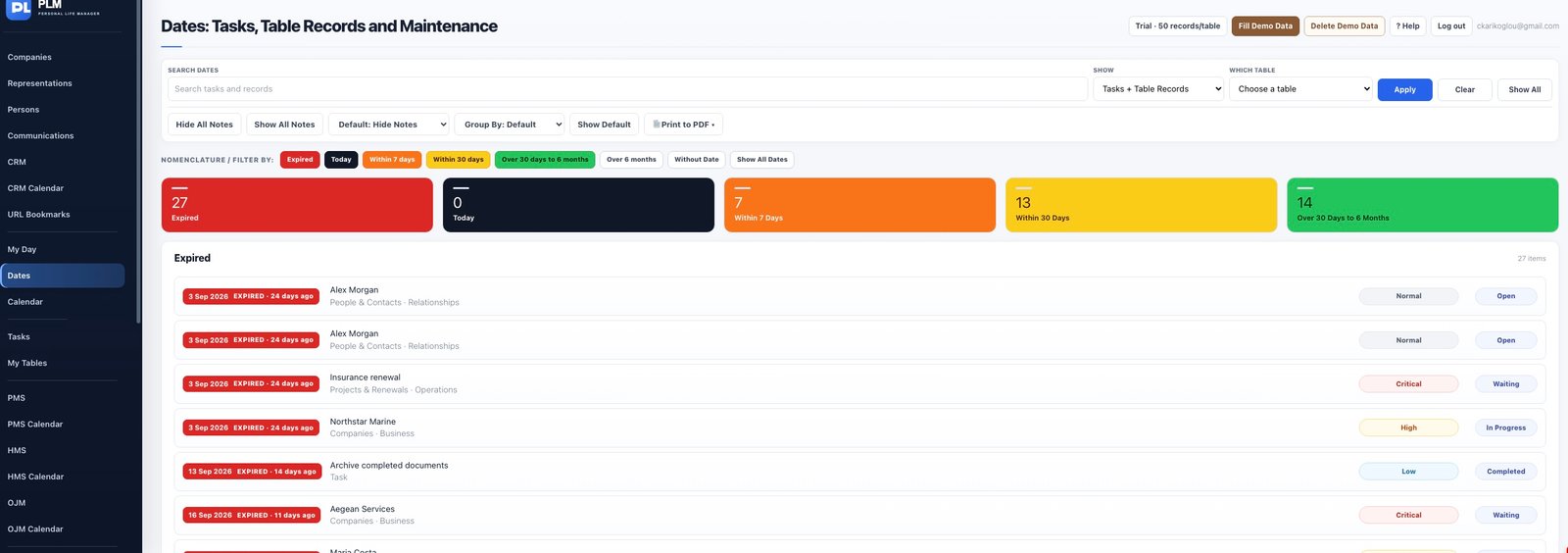
- Enter the date in the permanent Due Date field.
- Open Dates and choose the relevant source.
- Use the entry link to return to the original table record.
Example
Set an insurance record’s Due Date to its renewal date. The record can then be found in a date review without creating a separate copy.
Check the result: Use the entry link to return to the original table record.