Prepare a dated report
Review dated tasks and table records through urgency filters.
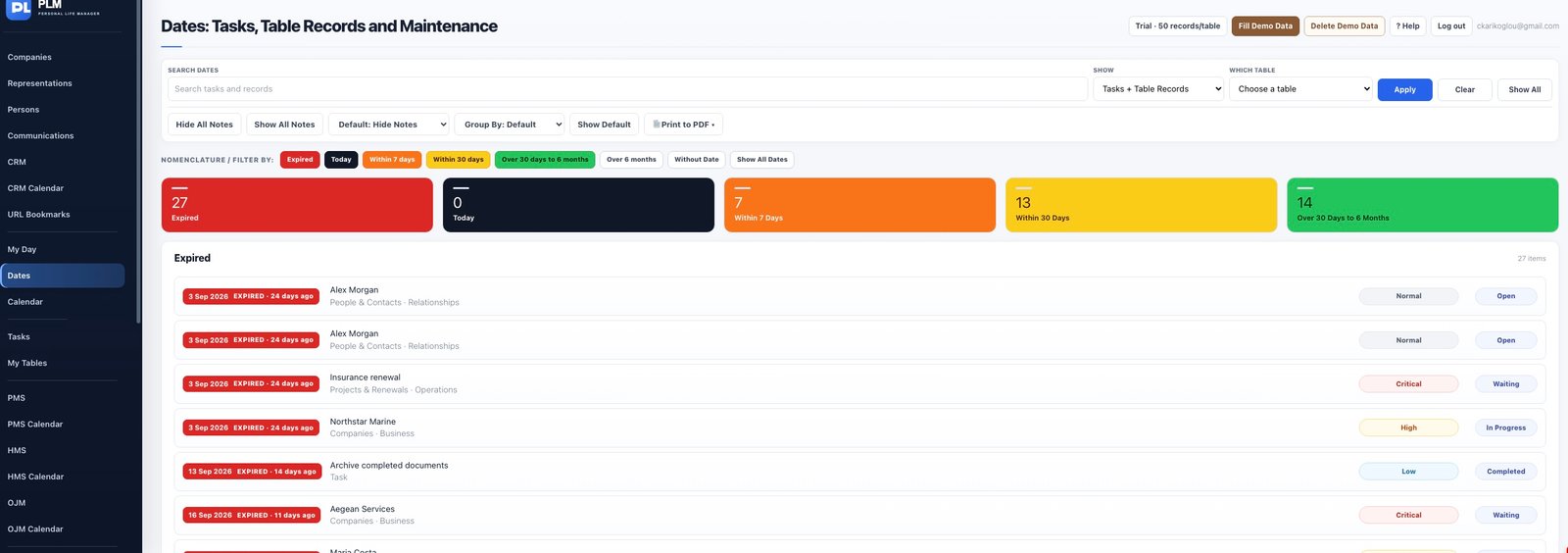
- Choose the intended results and order.
- Use the page print control to open the printable layout.
- Check the browser print preview and select Save as PDF.
Example
A printed date review should show the record title, due date and source table. Check that grouping and pagination remain readable in preview.
Check the result: Check the browser print preview and select Save as PDF.