Review dates without distractions
Review dated tasks and table records through urgency filters.
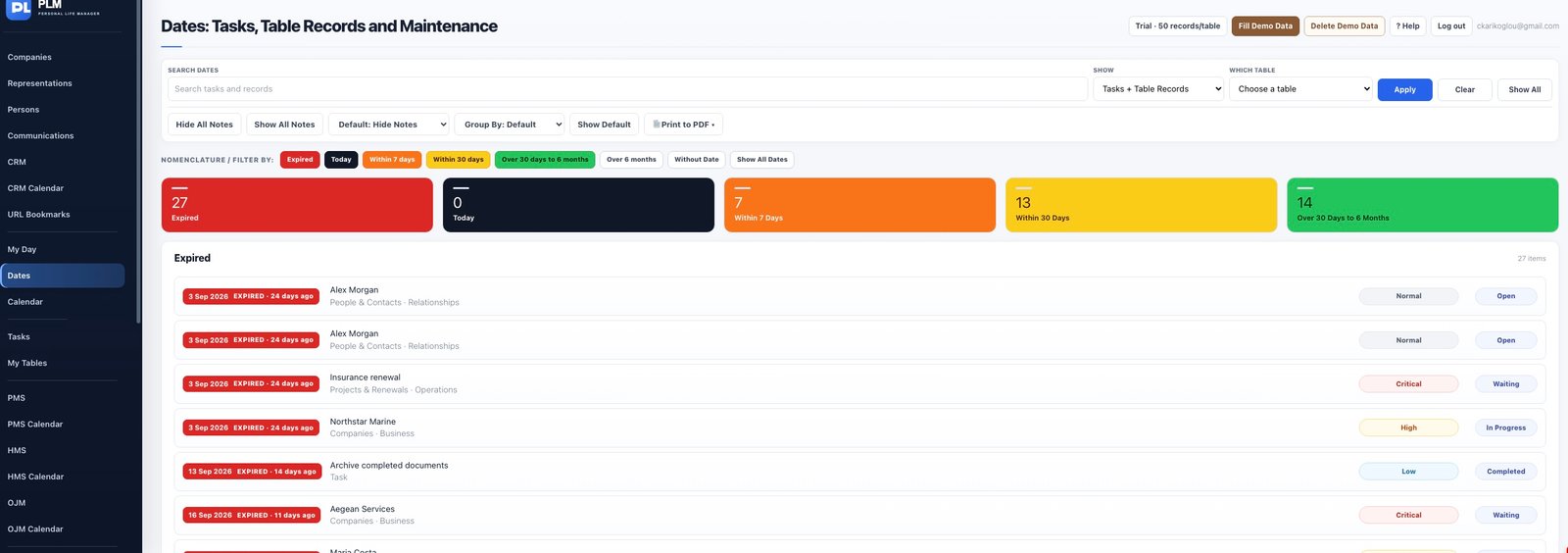
- Choose the date range needed for the review.
- Use source and text filters to narrow the results.
- Reset the filters before checking another part of the workspace.
Example
To review renewals for one database, narrow the source and period together. Remove the source restriction before searching for personal tasks.
Check the result: Reset the filters before checking another part of the workspace.