Navigate the cycle calendar
Record cycle dates, symptoms and descriptive tracking information.
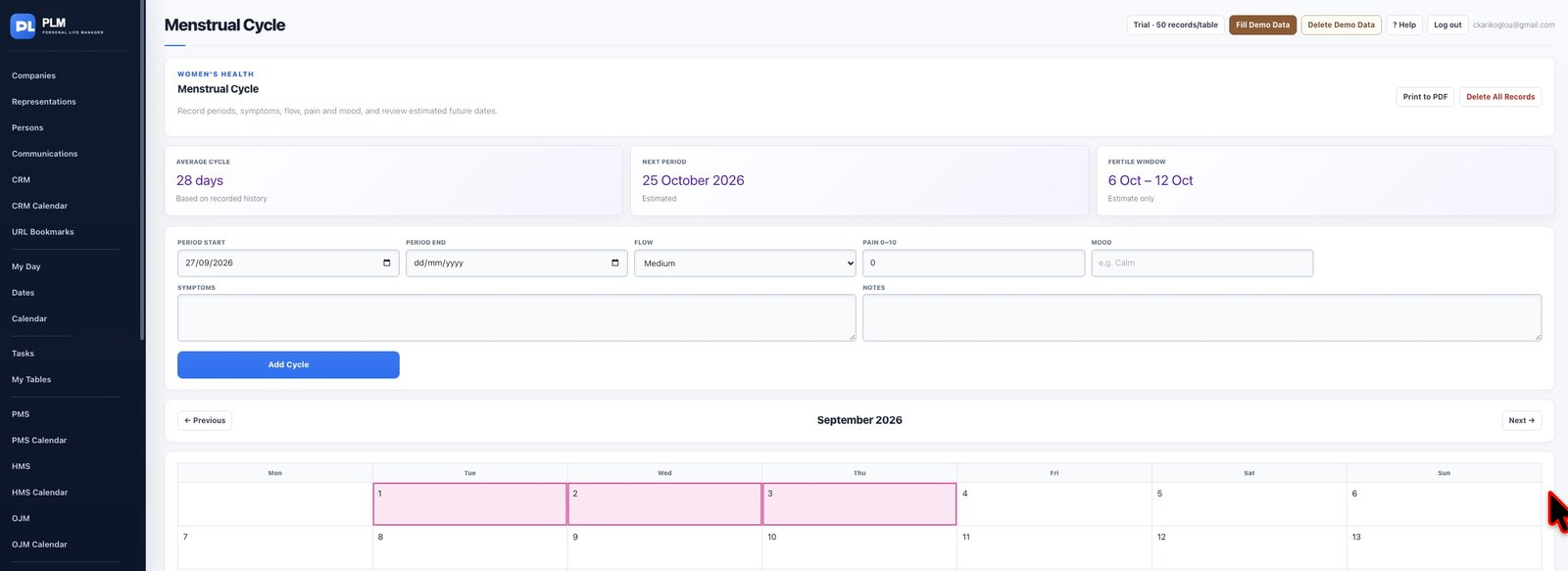
- Use Previous and Next on the month header.
- Check the centred month title before reading entries.
- Return to the relevant month to inspect a recorded cycle.
Example
Use Next to inspect the following month and confirm its title. The navigation should remain visible across the header.
Check the result: Return to the relevant month to inspect a recorded cycle.