Compare monthly spending
Record spending and compare monthly and yearly totals.
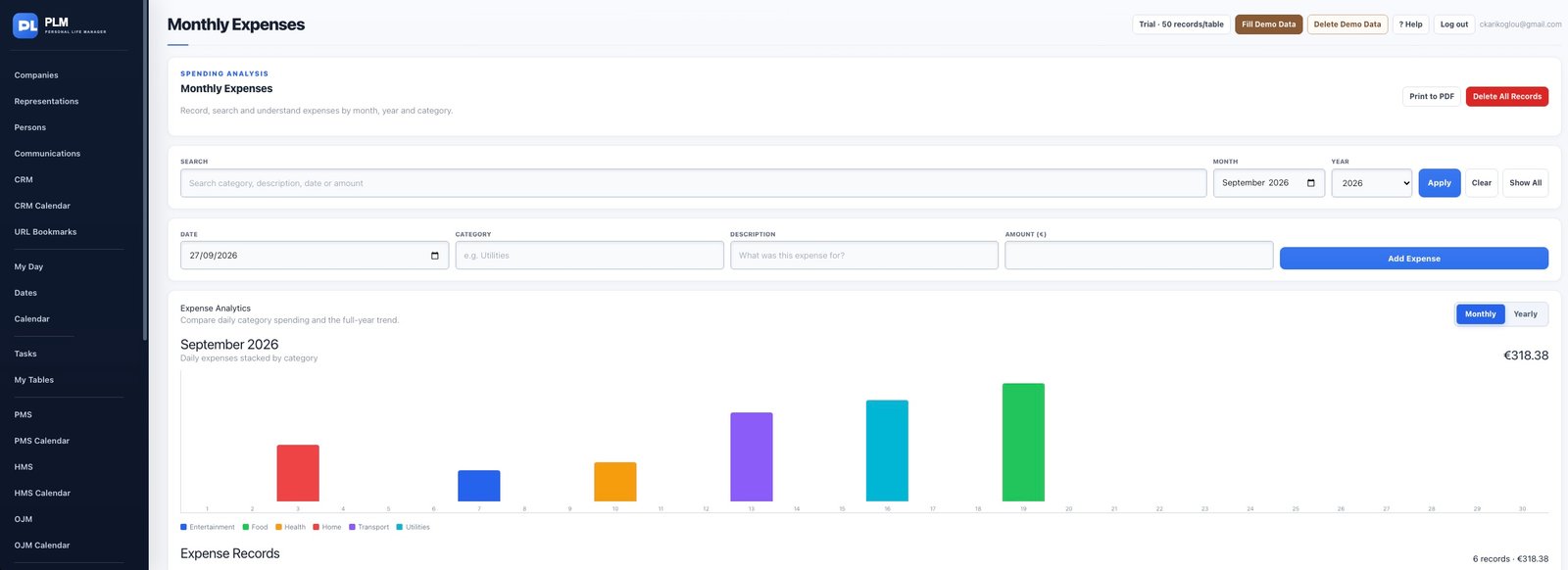
- Choose the month you want to inspect.
- Use categories to understand how the total is distributed.
- Open individual entries when a category total looks unexpected.
Example
A larger Utilities total may come from several bills rather than one error. Inspect the underlying records before editing an amount.
Check the result: Open individual entries when a category total looks unexpected.