Find and correct an expense
Record spending and compare monthly and yearly totals.
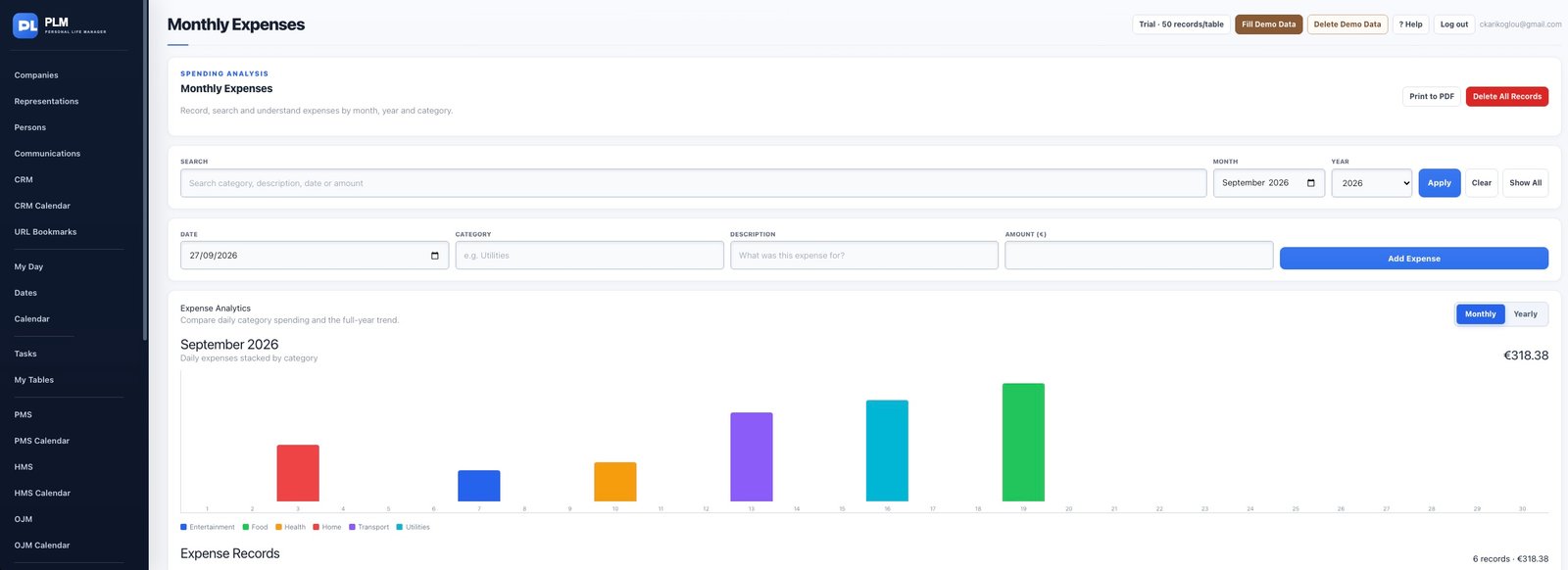
- Search by text and the available month/year controls.
- Edit the original entry if the amount or category is wrong.
- Check the total again after saving instead of entering a compensating duplicate.
Example
If an expense was entered as 850 instead of 85, edit the original record. Adding a negative correction would leave a misleading source entry.
Check the result: Check the total again after saving instead of entering a compensating duplicate.