Record an expense clearly
Record spending and compare monthly and yearly totals.
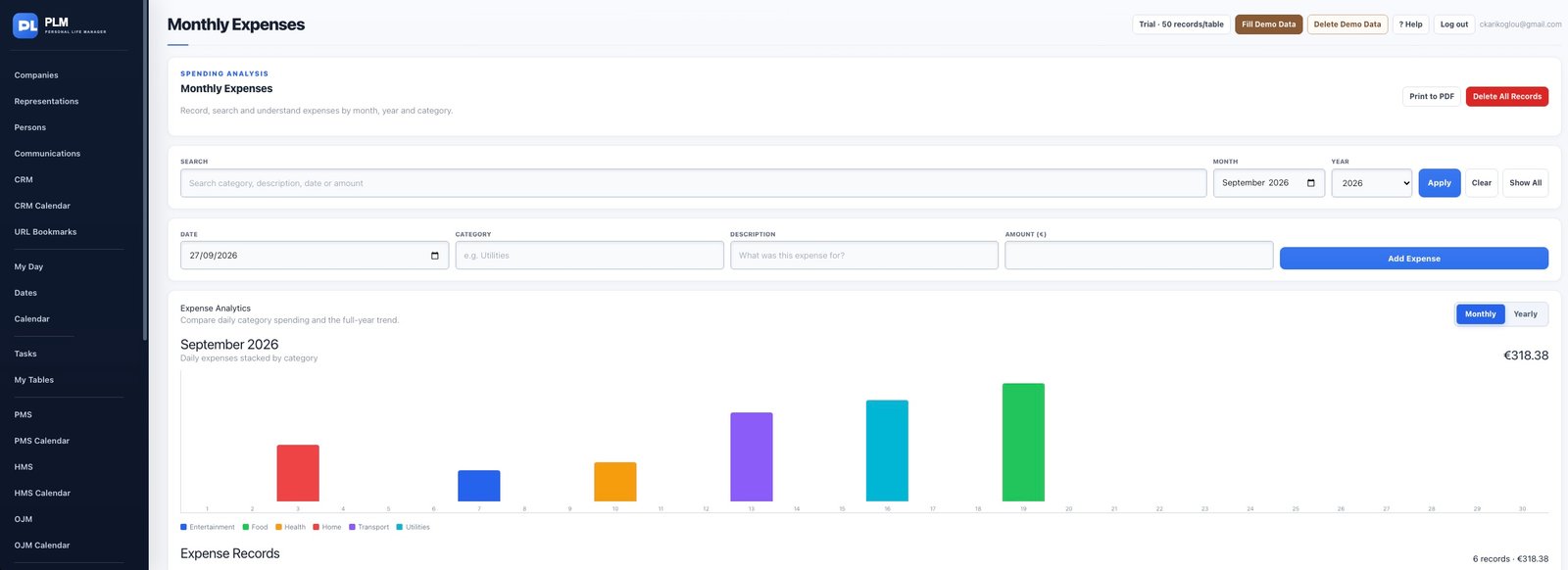
- Set the expense date and category.
- Enter a meaningful description and amount.
- Check the record in the appropriate month after saving.
Example
Record groceries under Food with the actual amount and date. The category allows comparison with other food spending in the same month.
Check the result: Check the record in the appropriate month after saving.