Use the yearly overview
Record spending and compare monthly and yearly totals.
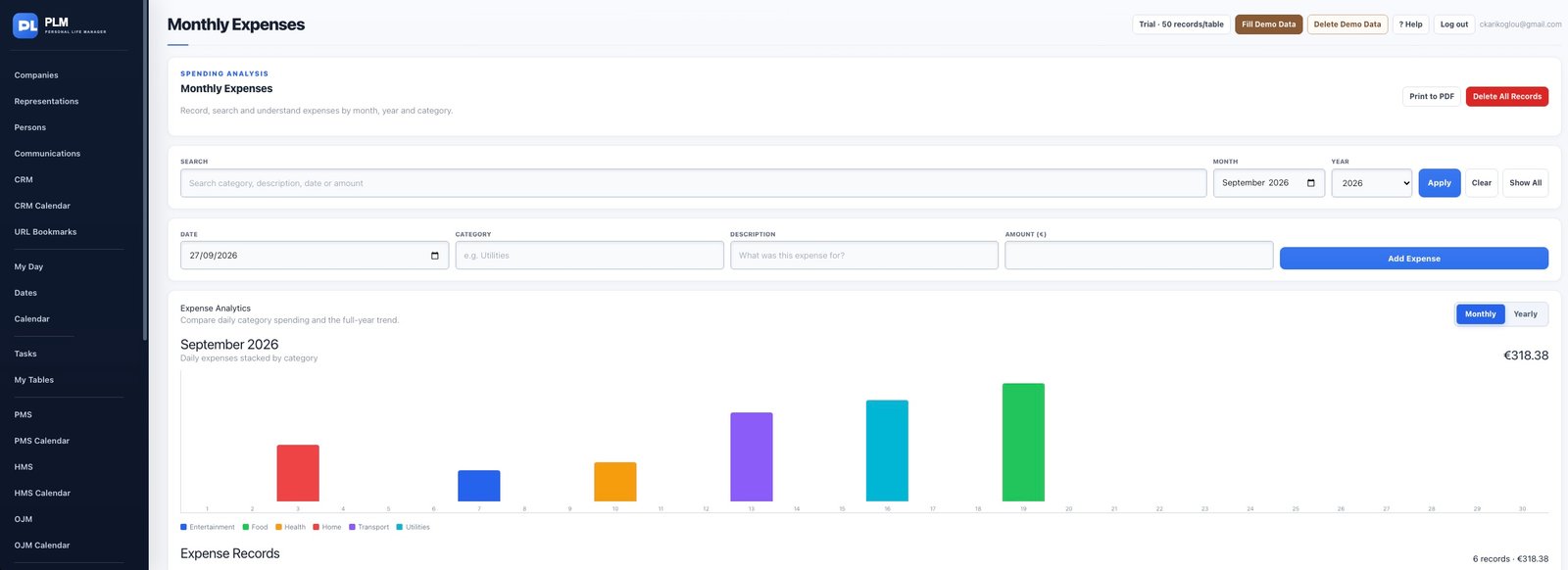
- Switch to the yearly view.
- Select the year and compare the plotted monthly values.
- Remember that totals reflect the records entered rather than a bank feed.
Example
Compare the same recorded months across a selected year. An empty month means no recorded spending, not proof that nothing was spent.
Check the result: Remember that totals reflect the records entered rather than a bank feed.