Build a daily review routine
Review active tasks and dated table records in one place.
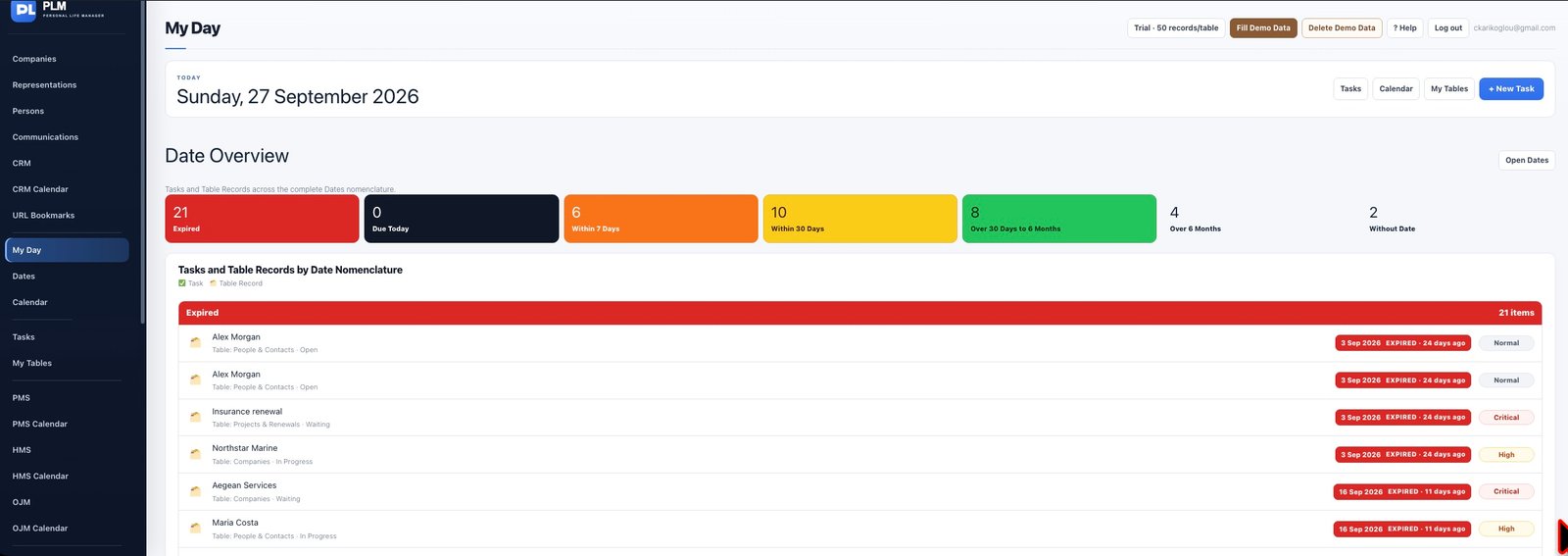
- Open My Day at the beginning of your session.
- Check Critical and High priority items even when their dates are later.
- Use the linked task or record to make changes and return to review the result.
Example
A Monday review can begin with today’s calls, continue with this week’s deadlines and finish with Critical items that have later dates.
Check the result: Use the linked task or record to make changes and return to review the result.