Read the date groups
Review active tasks and dated table records in one place.
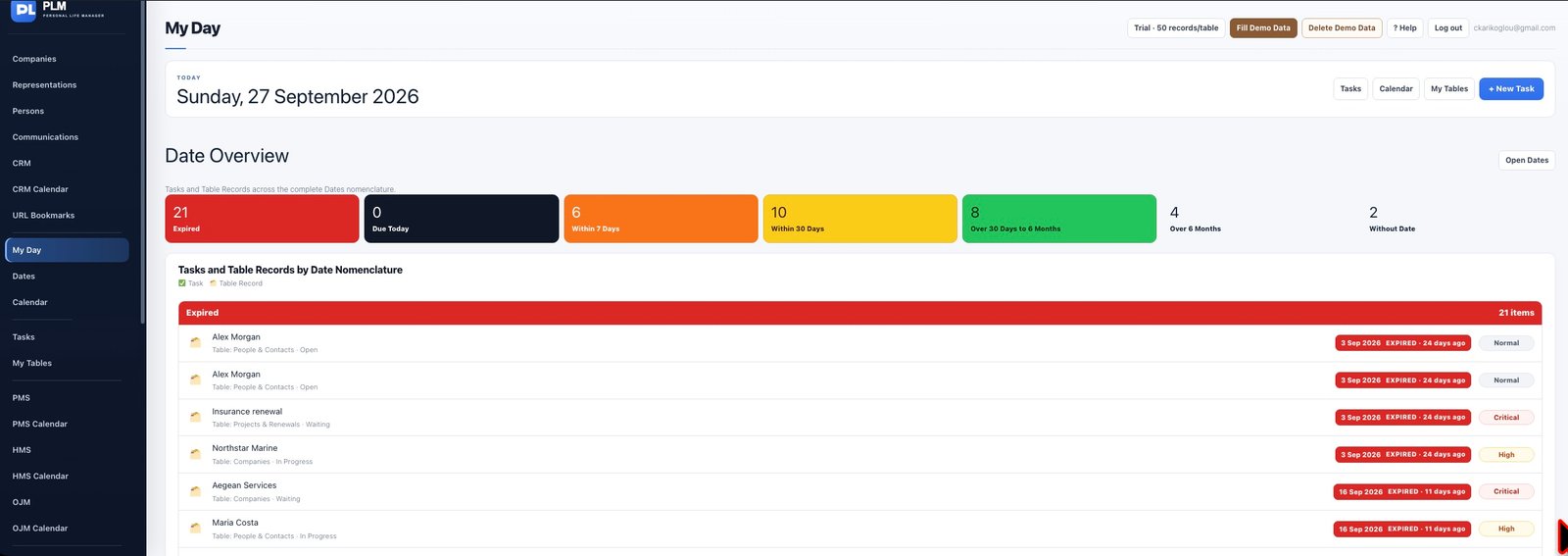
- Start with overdue and today sections.
- Open an item to correct its due date or finish the work.
- Review the next seven days before moving to the 8–30 day section.
Example
An overdue supplier call appears in the expired group even if its importance is Normal. Open the call to update the actual due date rather than hiding the overdue group.
Check the result: Review the next seven days before moving to the 8–30 day section.