Understand missing dashboard items
Review active tasks and dated table records in one place.
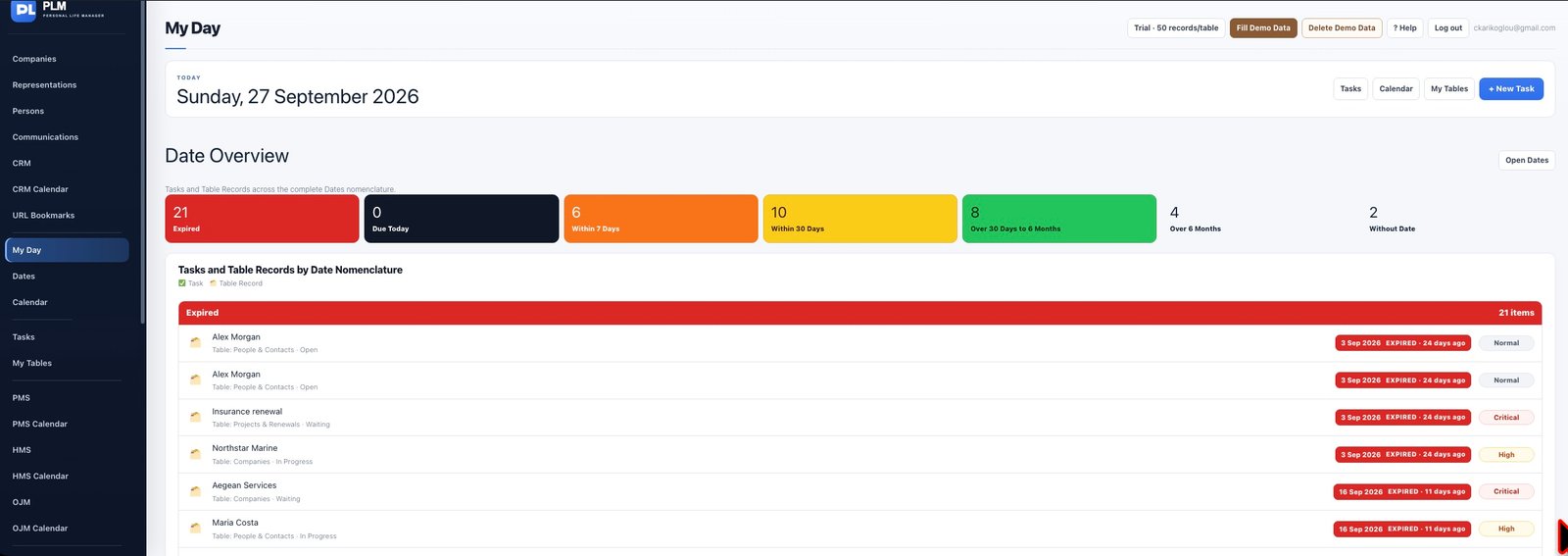
- Check whether the underlying item is completed or archived.
- For table records verify the permanent Due Date has a value.
- Open the source page and clear its filters before deciding that a record is missing.
Example
An equipment record with an Inspection Date custom field but no permanent Due Date may not appear in Dates. Set the reference date used for planning.
Check the result: Open the source page and clear its filters before deciding that a record is missing.