Configure permanent table fields
Create customer-defined databases with custom fields and saved views.
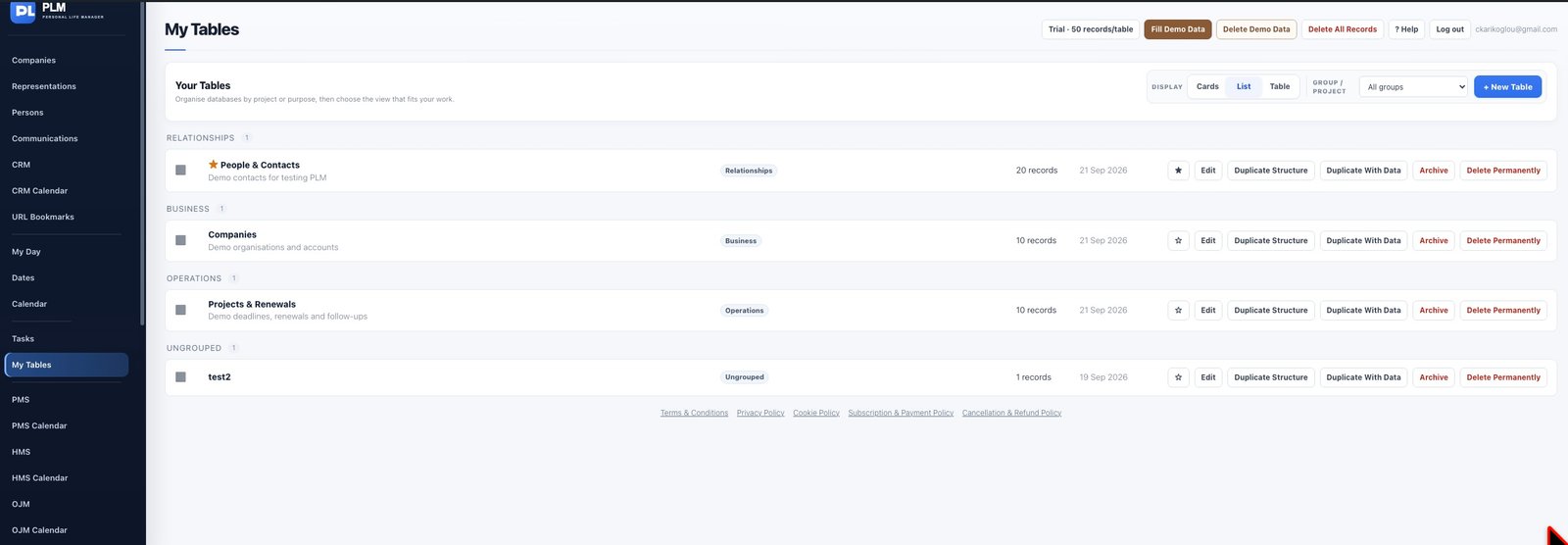
- Find Due Date, Relevant Company and Relevant Person in Table Setup.
- Move these fields up or down and use Show/Hide as needed.
- Keep their labels and types unchanged because they are permanent fields.
Example
Move Relevant Company beside the asset name. Hide Relevant Person if the equipment has no named contact; the permanent field still exists.
Check the result: Keep their labels and types unchanged because they are permanent fields.