Create an equipment register
Create customer-defined databases with custom fields and saved views.
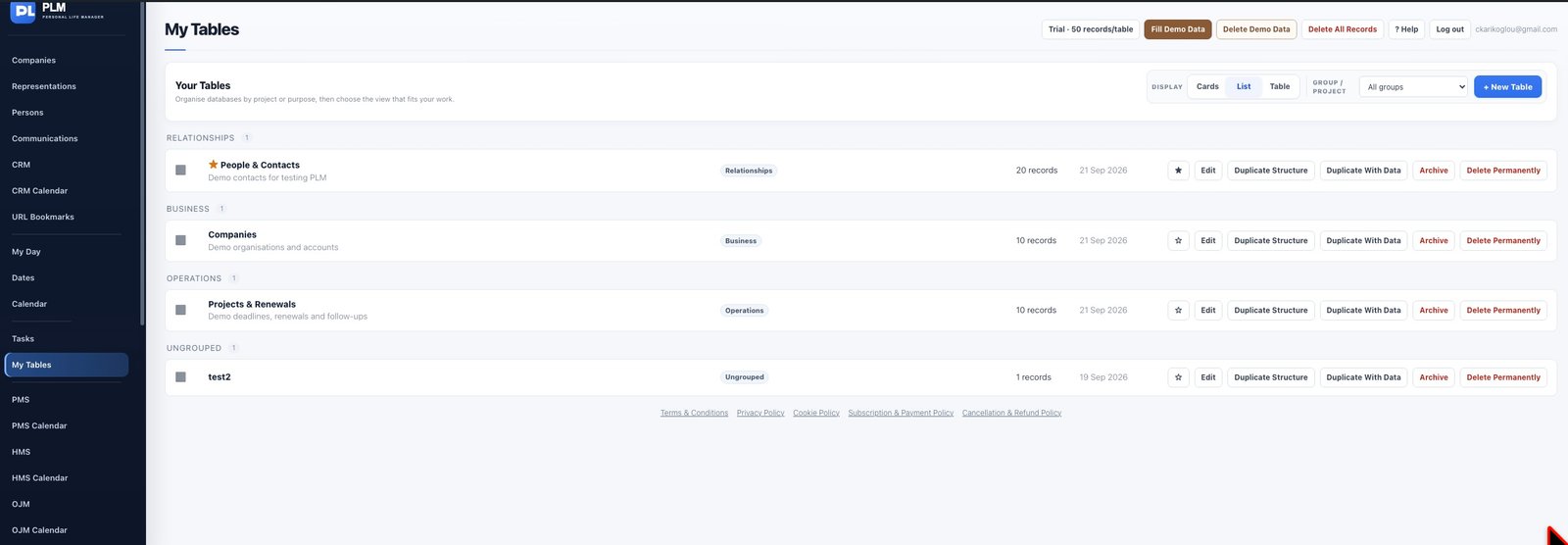
- Create a table named Equipment with a suitable Group / Project.
- Add fields such as Asset Name, Serial Number and Location.
- Add one sample record and check its display before entering the rest.
Example
For a pump register, use Asset Name as text, Serial Number as text and Location as a selection. Serial numbers should remain text when leading zeros matter.
Check the result: Add one sample record and check its display before entering the rest.