Save a focused table view
Create customer-defined databases with custom fields and saved views.
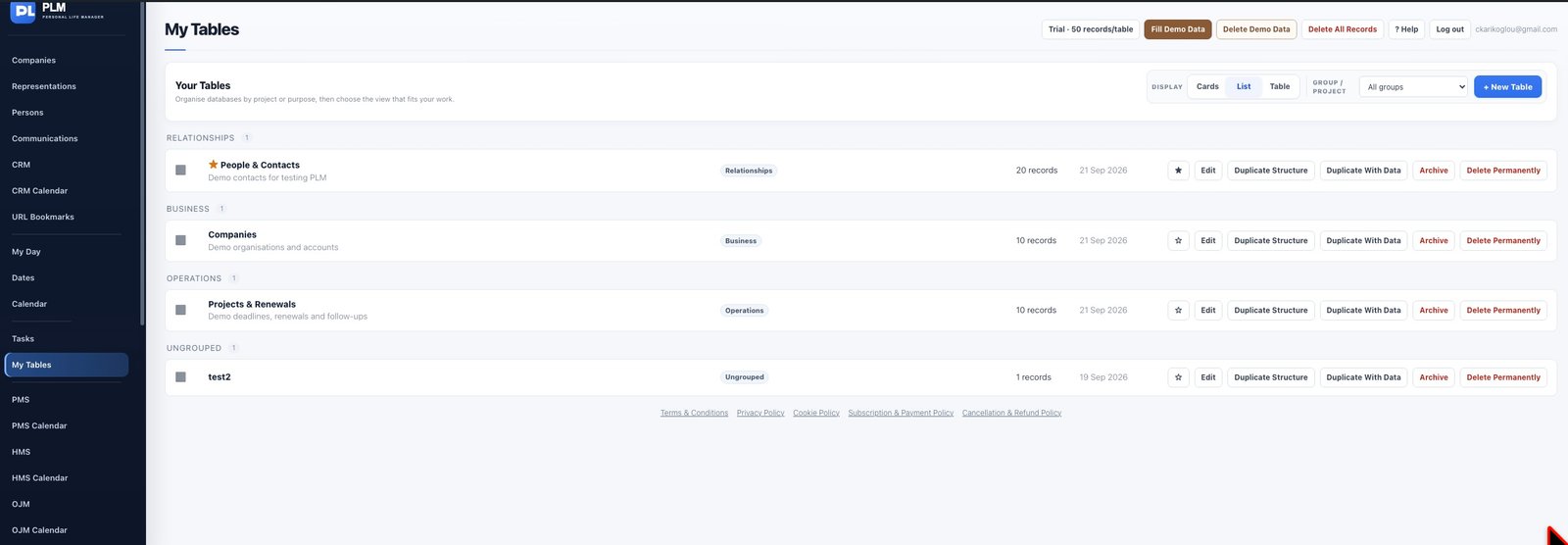
- Choose visible columns, filters, sorting and grouping.
- Save the combination under a descriptive name.
- Open the saved view from the table or Organise and confirm it returns to that table.
Example
A Renewals view can show Asset Name, Due Date and Relevant Company while grouping by Location. Another view can expose more technical columns.
Check the result: Open the saved view from the table or Organise and confirm it returns to that table.