Compare trigger and target dates
Track occasional jobs triggered by an event and a target date.
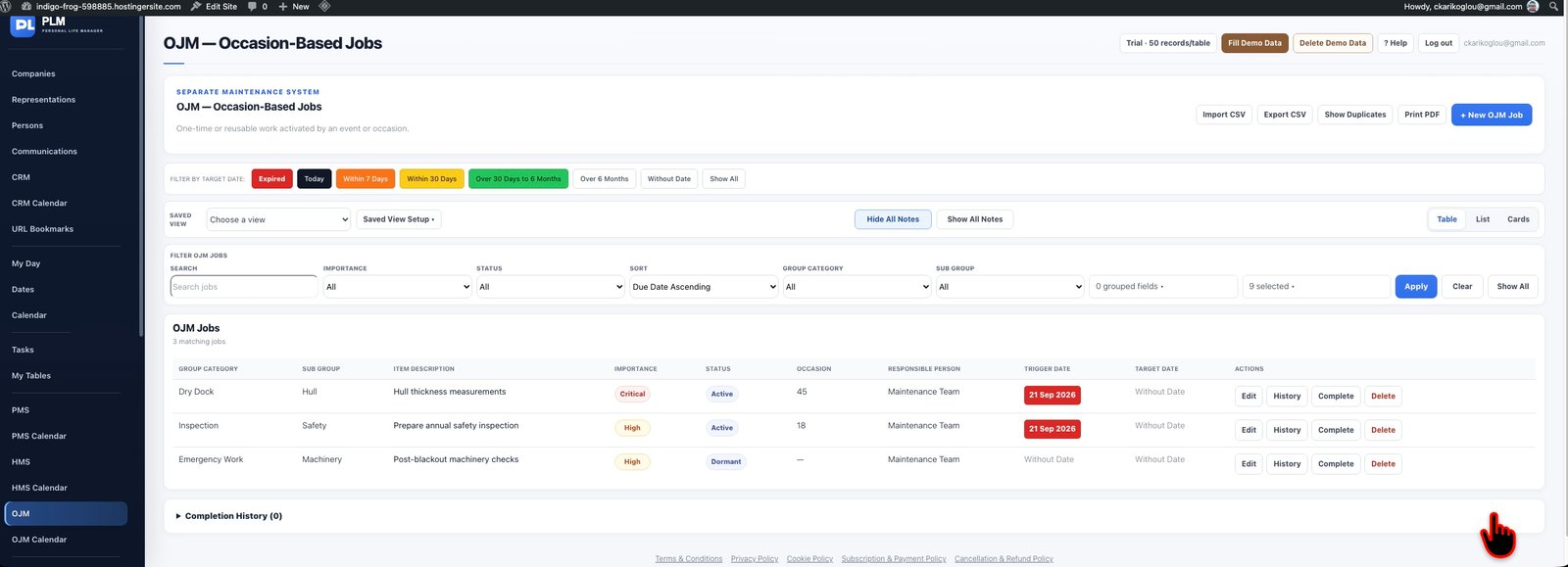
- Use Trigger Date for the event that starts the job.
- Use Target Date for the intended completion date.
- Read their PLM colours independently because the dates describe different things.
Example
For an event on 10 October with work due on 14 October, Trigger Date and Target Date should differ. The date filters use the target.
Check the result: Read their PLM colours independently because the dates describe different things.