Filter occasional jobs by target
Track occasional jobs triggered by an event and a target date.
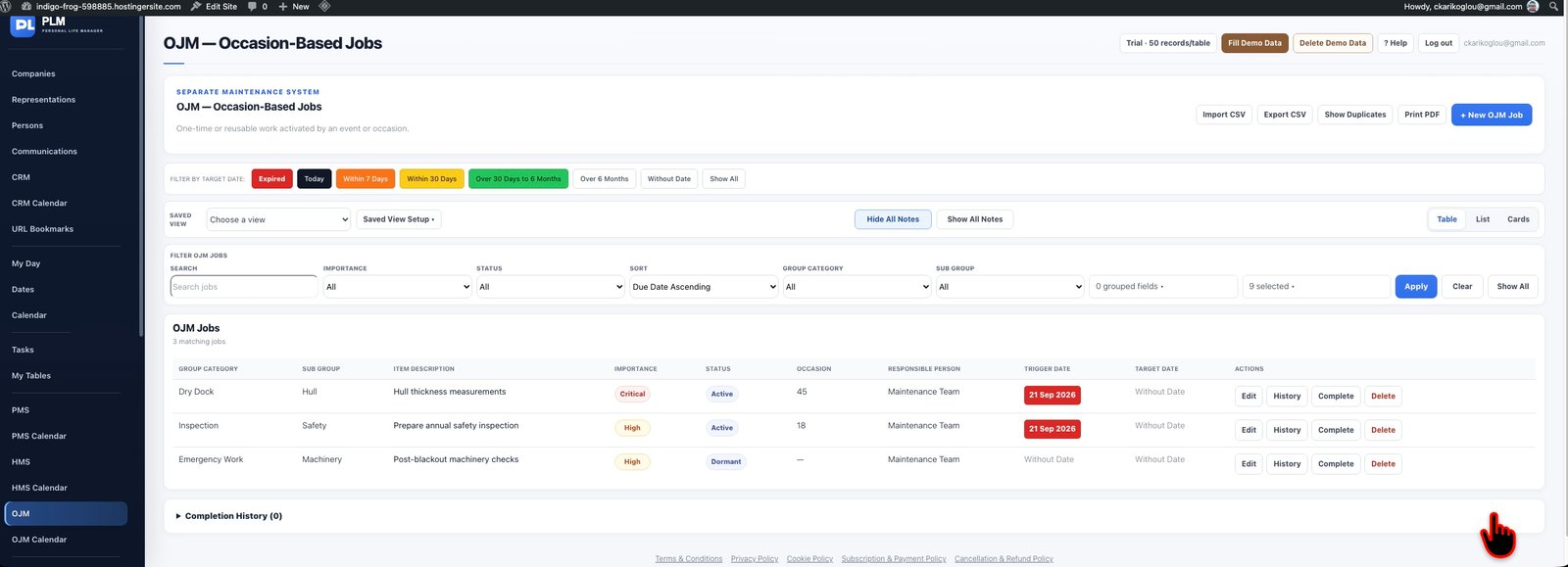
- Choose the Target Date range above the table.
- Check that the displayed jobs match the completion period.
- Return to Show All before reviewing another occasion.
Example
A job triggered last month may still appear in this week’s target range if its completion date falls this week.
Check the result: Return to Show All before reviewing another occasion.