Import and print OJM jobs
Track occasional jobs triggered by an event and a target date.
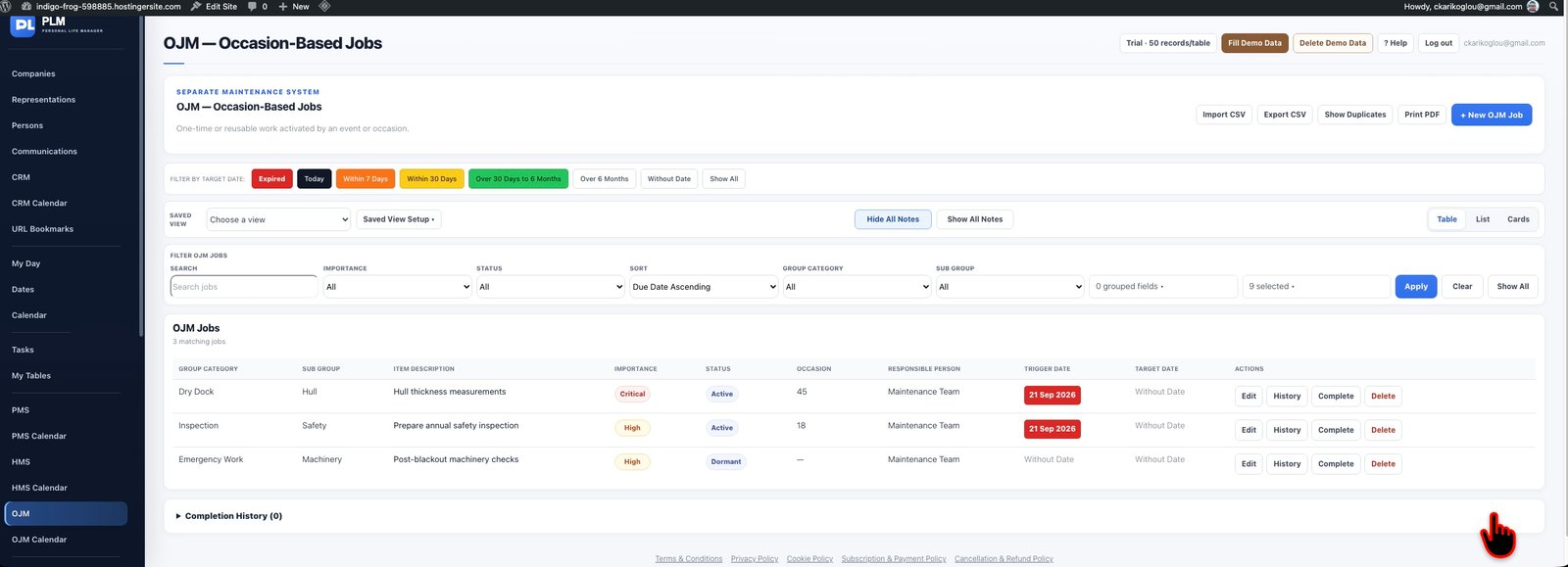
- Use the module’s CSV controls for job records.
- Review dates and duplicate results after import.
- Use Print PDF for the currently displayed job list.
Example
After importing occasional jobs, inspect dates and descriptions before using Show Duplicates. Print the reviewed result set for the responsible team.
Check the result: Use Print PDF for the currently displayed job list.