Manage table groups
Manage reusable folders, contexts, tags, groups and saved views.
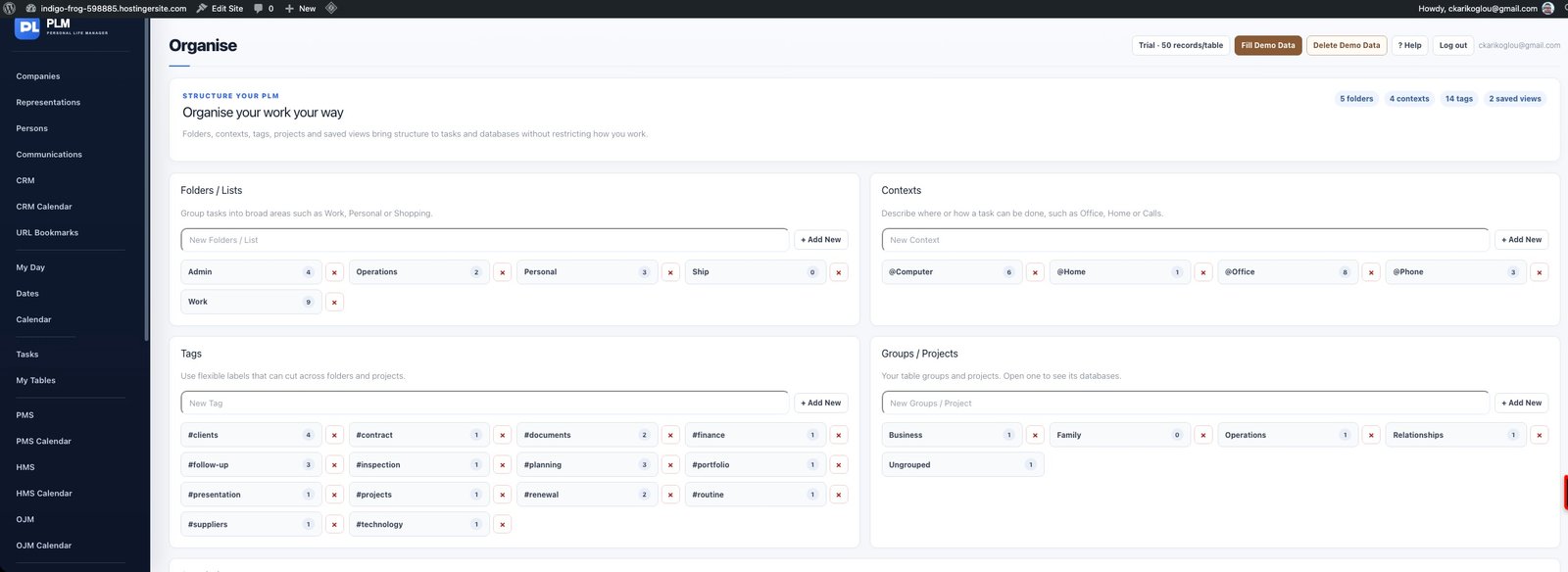
- Create a Group / Project label in Organise.
- Assign that group to the relevant tables.
- Open the group link to review its databases together.
Example
Place equipment and service-contract tables in an Operations group. Their records remain in separate tables while the group organises the table list.
Check the result: Open the group link to review its databases together.