Return to a saved view
Manage reusable folders, contexts, tags, groups and saved views.
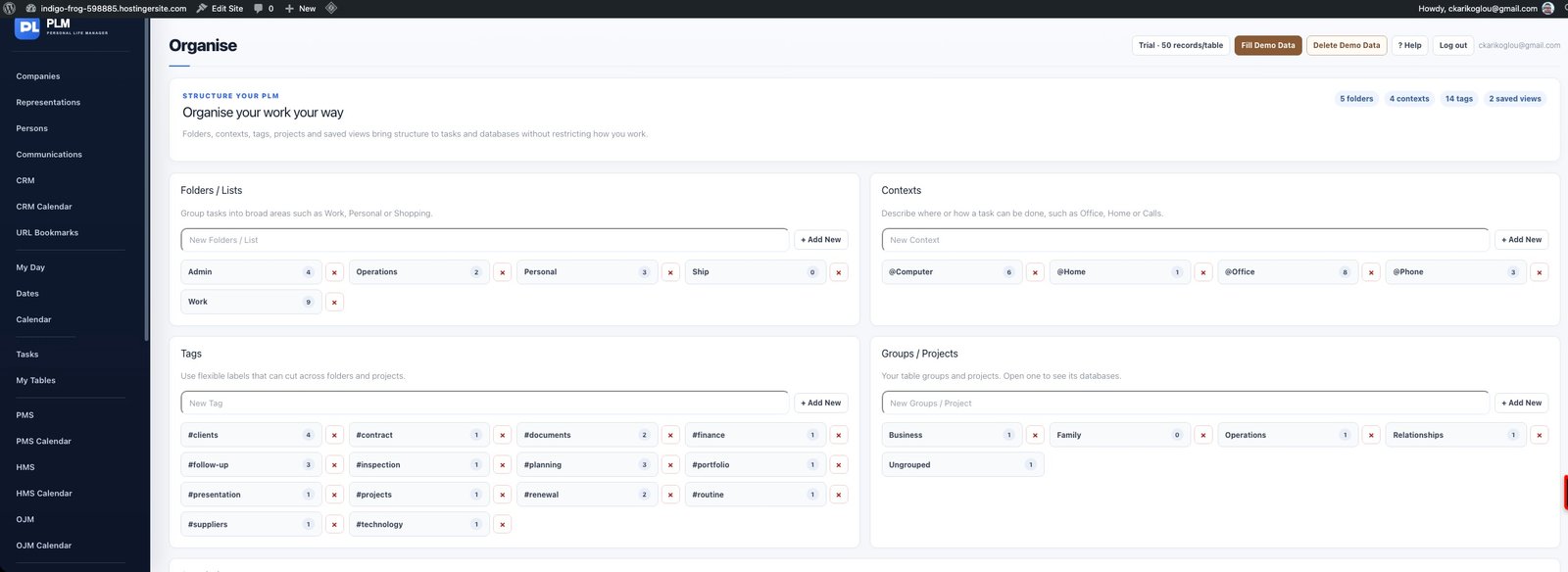
- Find the named view in Organise.
- Open it to restore the task or table view it belongs to.
- If results seem incomplete, inspect the saved filters before changing records.
Example
Open a saved Renewals view from Organise. It should go directly to the intended table with its stored filters.
Check the result: If results seem incomplete, inspect the saved filters before changing records.