Create a person and company link
Keep person profiles, company links and relationship notes.
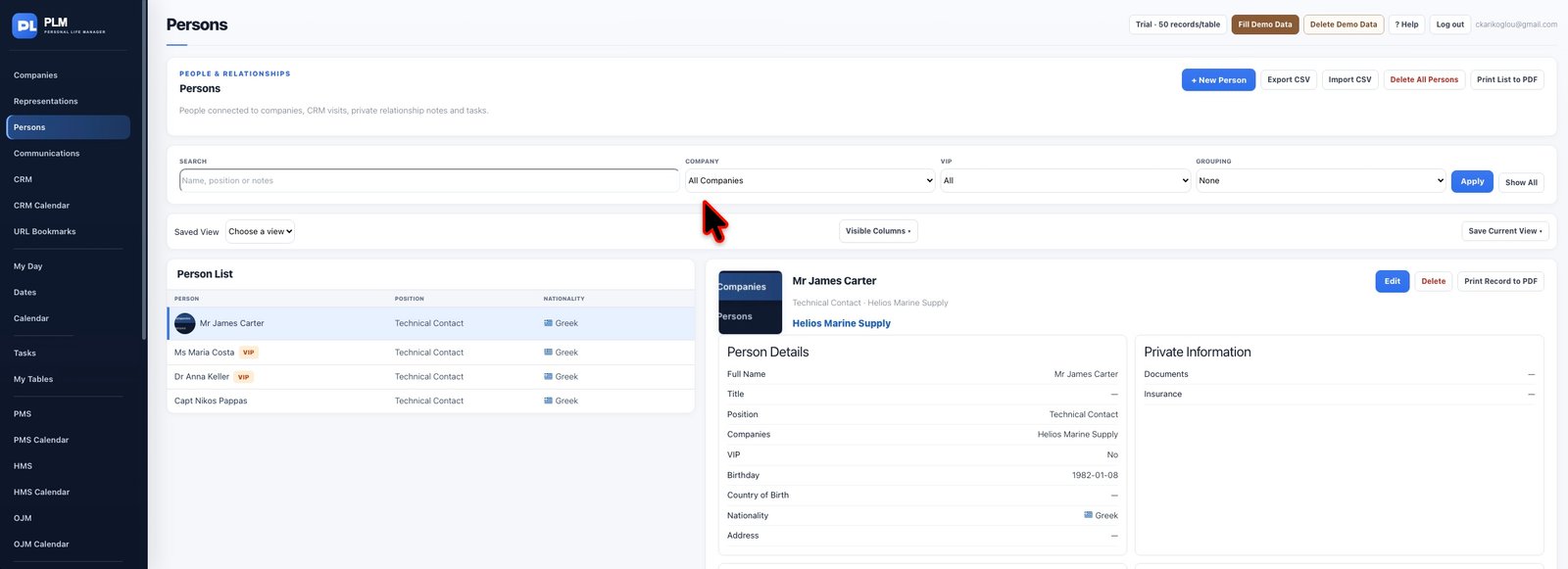
- Enter the prefix, first name and last name.
- Choose the relevant companies from the searchable selector.
- Save and check that the name and company relationships display correctly.
Example
A person named Maria Costa can be connected to her current company while retaining another relevant company relationship in the selector.
Check the result: Save and check that the name and company relationships display correctly.