Print a person record
Keep person profiles, company links and relationship notes.
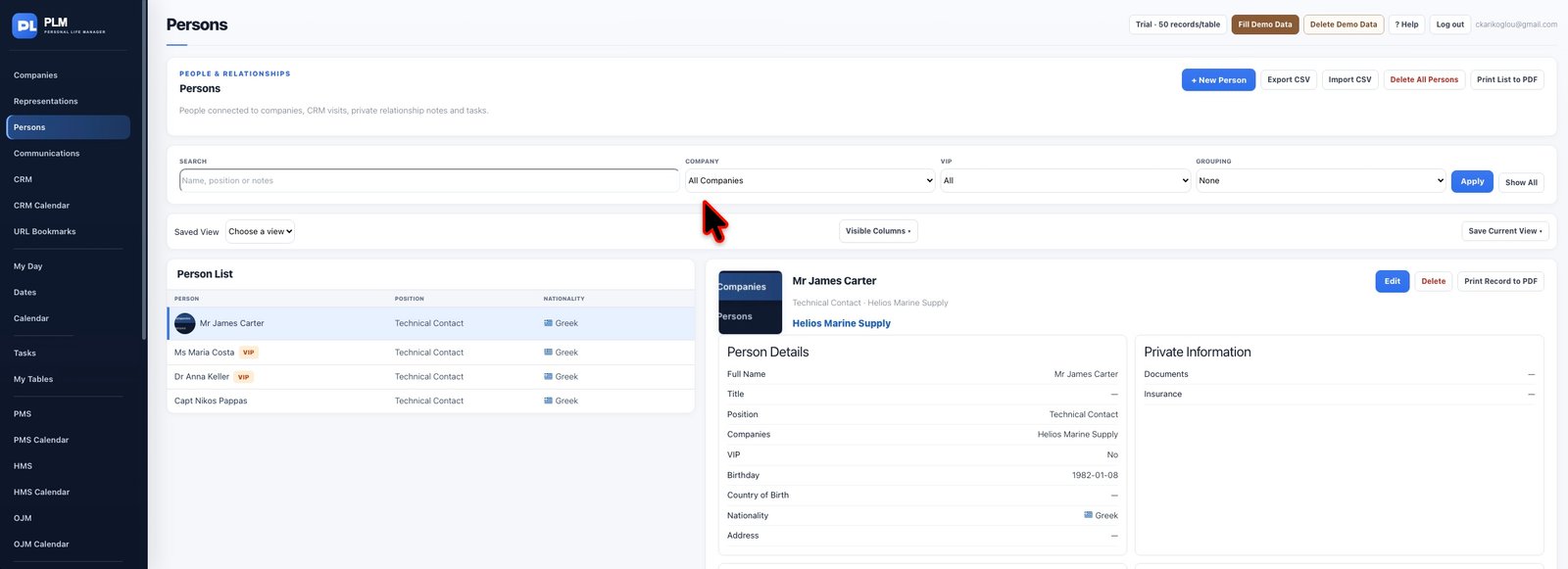
- Open the intended person before using Print Record.
- Check the name, contact details and small image thumbnails.
- Use Print List when you need the current collection instead of one detailed profile.
Example
Use the individual record PDF for a contact briefing and the list PDF for a directory. Review whether private notes belong in the version you share.
Check the result: Use Print List when you need the current collection instead of one detailed profile.