Enter an existing medicine schedule
Organise user-entered medicine schedules and taken follow-up information.
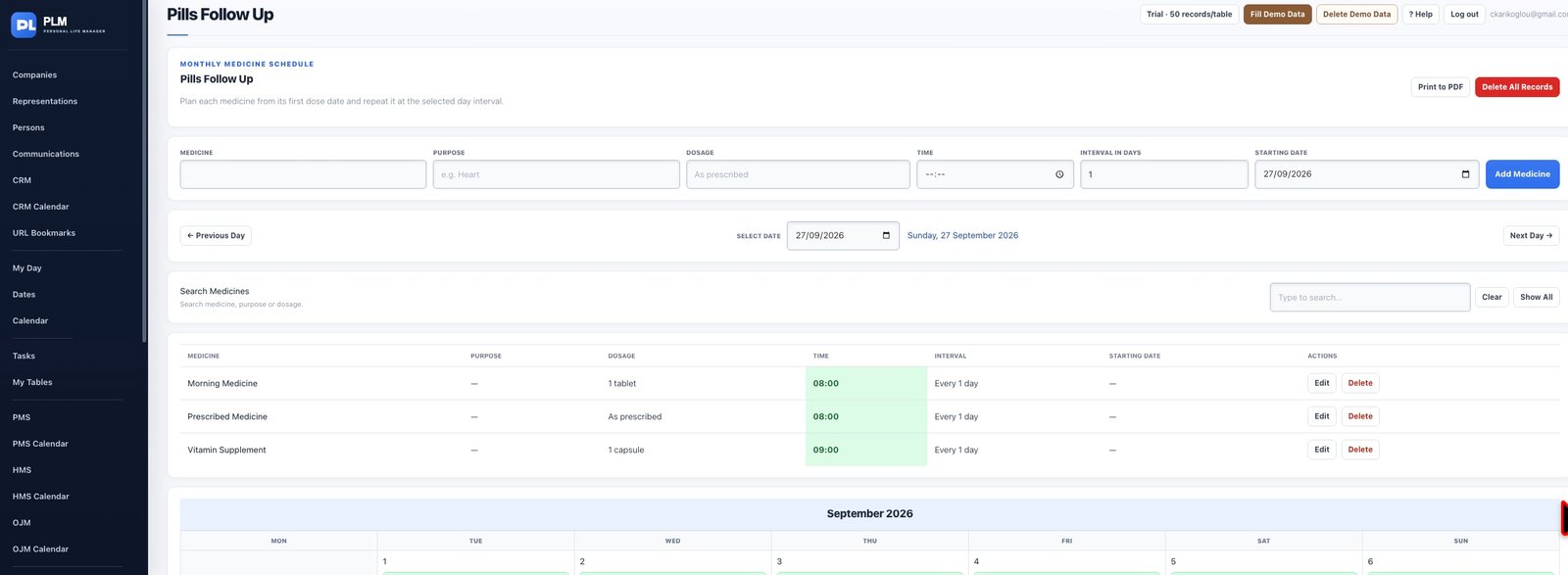
- Enter the medicine name and purpose from your own schedule.
- Set its time, start date and interval in days.
- Check the next date before saving another entry.
Example
For an already prescribed schedule, copy the medicine name and timing exactly into the tracker. The example is about recording information, not choosing treatment.
Check the result: Check the next date before saving another entry.