Find a scheduled medicine
Organise user-entered medicine schedules and taken follow-up information.
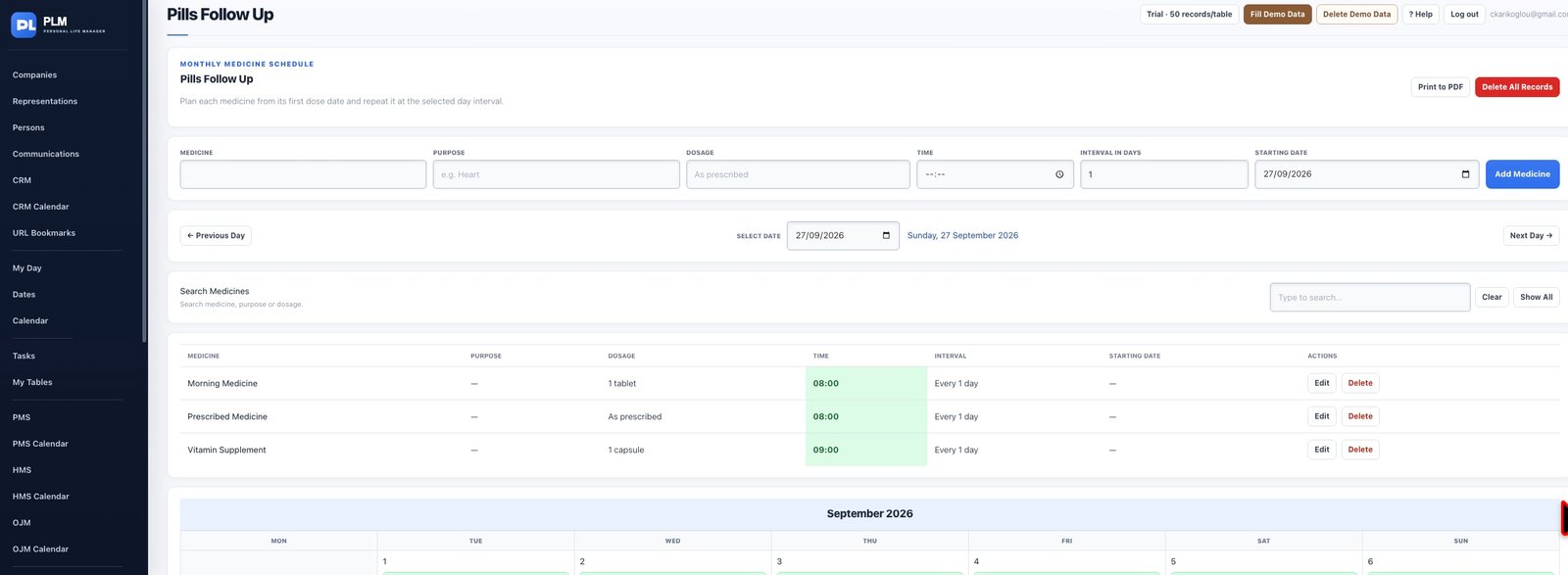
- Use the page search and calendar controls.
- Navigate to the relevant month or date.
- Open the original plan to review its interval and next date.
Example
Navigate to the month of a scheduled entry and check its start date if it seems absent. A plan may not yet be active for the date viewed.
Check the result: Open the original plan to review its interval and next date.