Print the PMS schedule
Plan maintenance that repeats after a calendar interval.
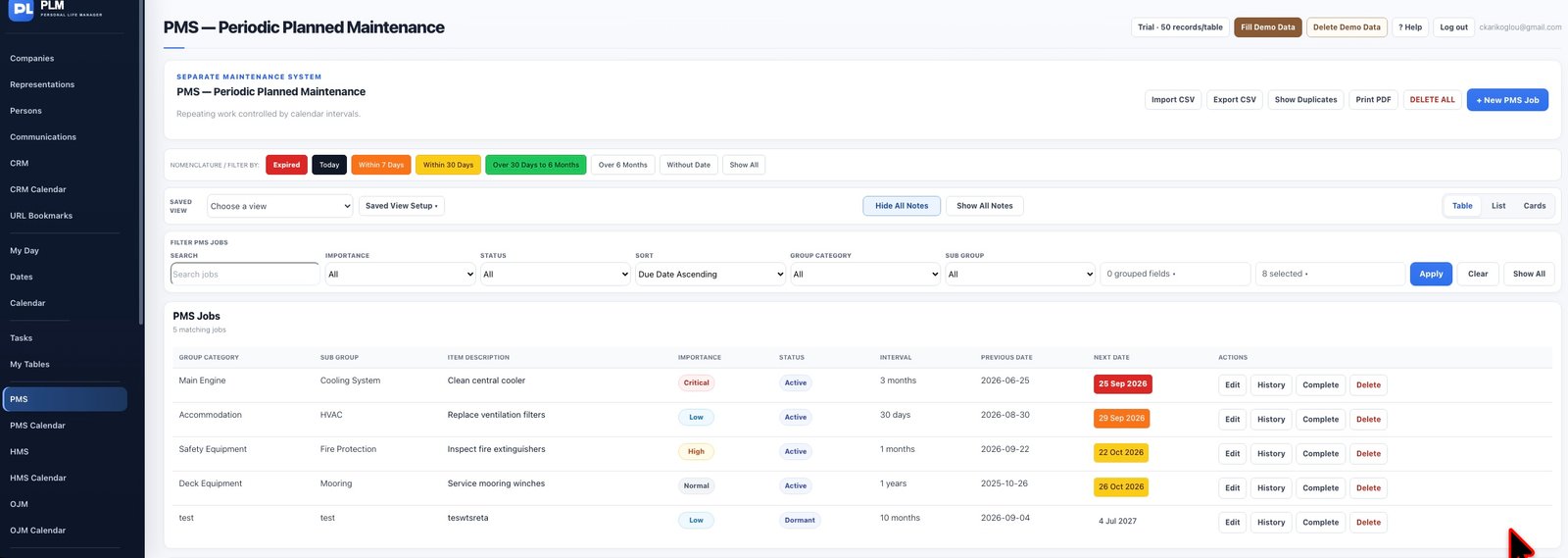
- Filter and sort the job list you intend to print.
- Use Print PDF on the top toolbar.
- Check that the preview contains the current results and expected date colours.
Example
A workshop report can include only active jobs due soon. The PDF should reflect that filtered list rather than an unrelated module.
Check the result: Check that the preview contains the current results and expected date colours.