Record an appointment
Organise pregnancy dates, appointments, measurements and notes.
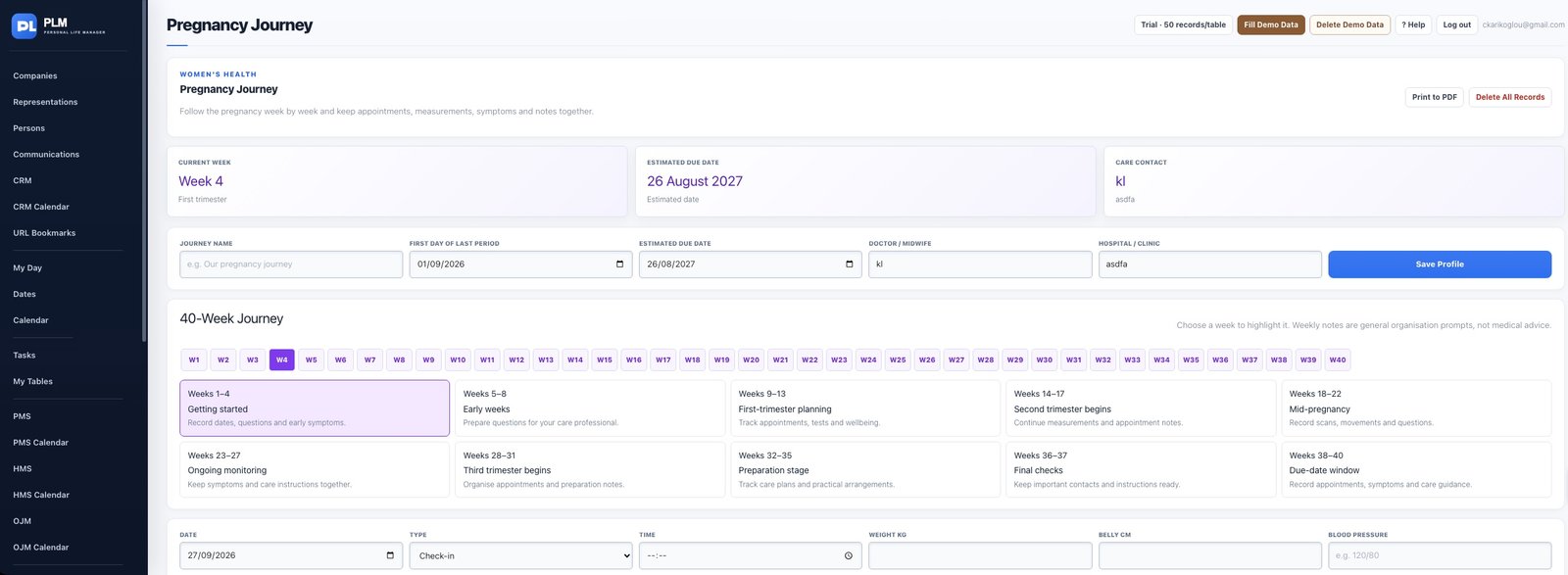
- Choose the appointment record type and date.
- Enter its time and relevant notes.
- Locate it in the record list before adding another appointment.
Example
Record an appointment for 10:30 with the location in notes. Check the record list to confirm the date and time were saved together.
Check the result: Locate it in the record list before adding another appointment.