Choose a comfortable appearance
Set appearance, regional preferences, demo controls and sidebar visibility.
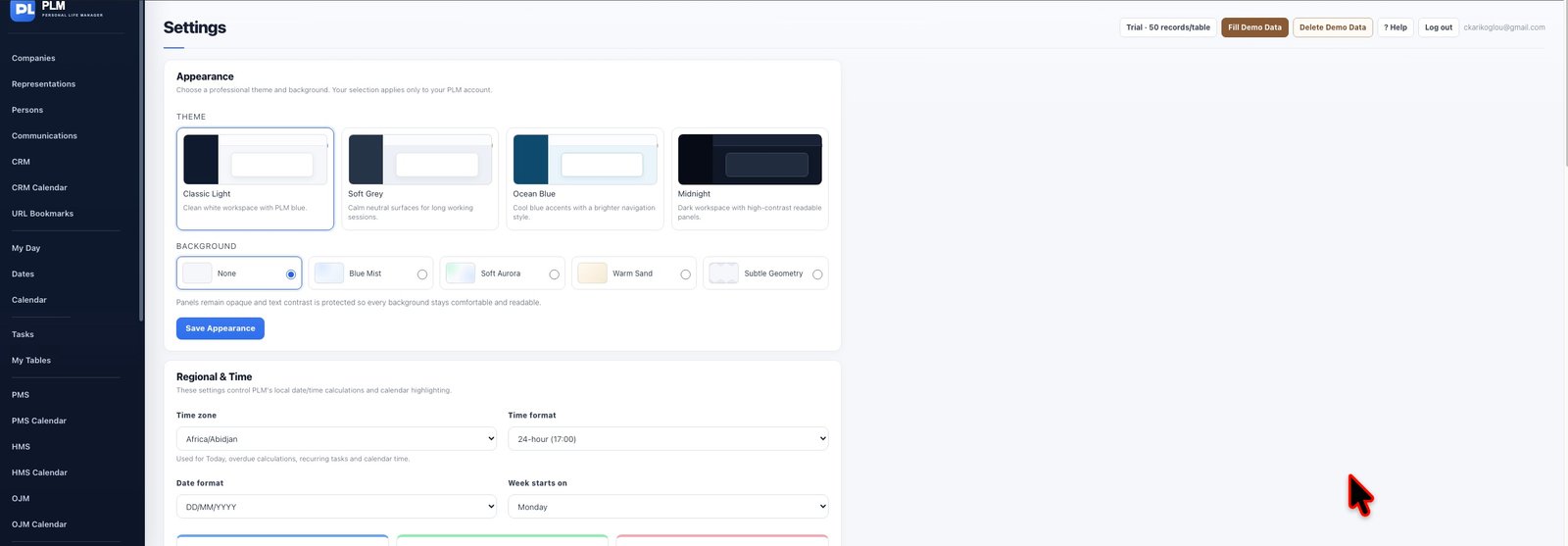
- Open the Appearance area.
- Select a theme and background and save.
- Review the workspace with that combination before changing other preferences.
Example
Try a lighter theme with a subtle background if you need more contrast. Appearance settings belong to the current user.
Check the result: Review the workspace with that combination before changing other preferences.