Set regional and calendar preferences
Set appearance, regional preferences, demo controls and sidebar visibility.
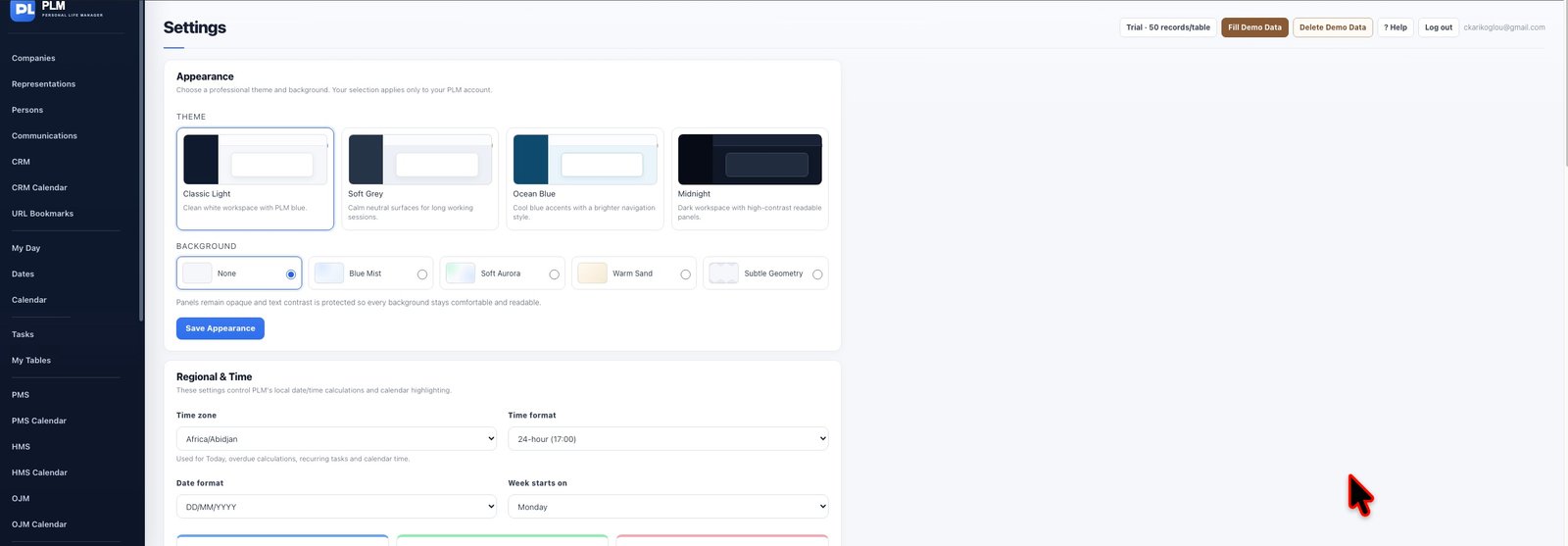
- Choose your timezone, date format and time format.
- Set the week start and working/night hours.
- Save and review the calendar to confirm the intended presentation.
Example
Select the timezone you intend to use and check the date format. A formatted date should remain unambiguous when comparing records.
Check the result: Save and review the calendar to confirm the intended presentation.