Use demo controls deliberately
Set appearance, regional preferences, demo controls and sidebar visibility.
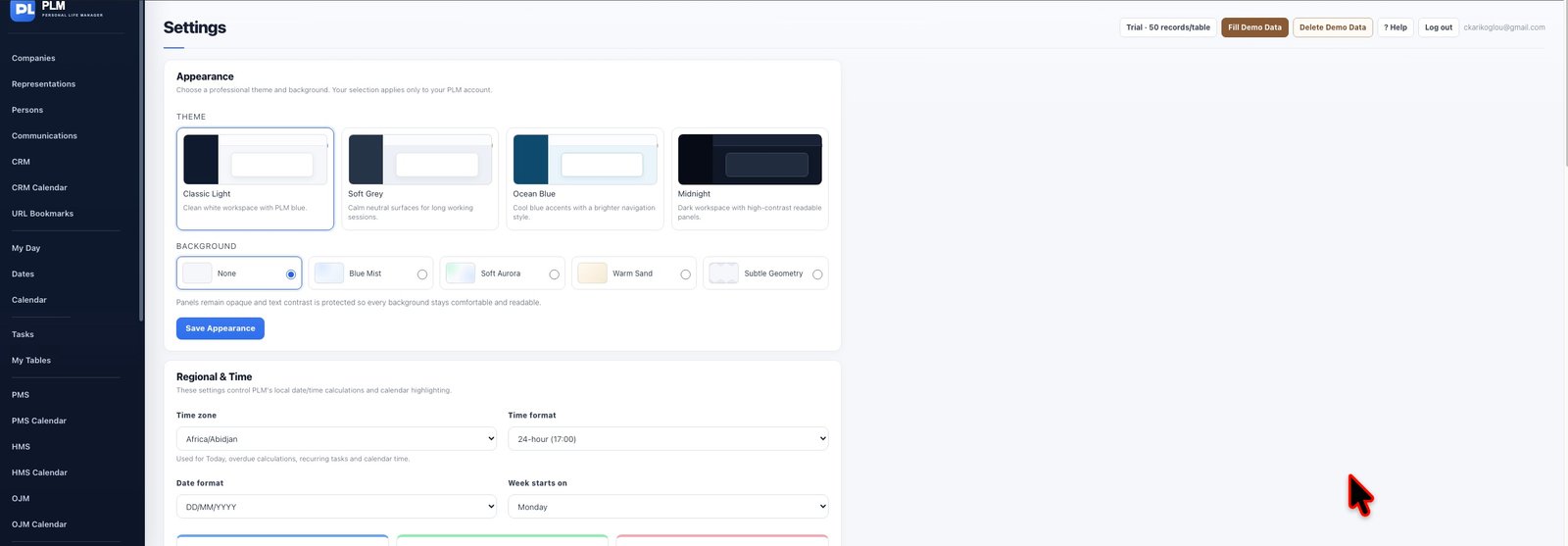
- Enable demo buttons when you want sample data available.
- Use Fill Demo Data to explore sample workflows.
- Use Delete Demo Data rather than Delete All Records when you only want to remove samples.
Example
Use a demo workspace to inspect sample archives and calendars. Delete Demo Data removes tracked samples; Delete All Records has a broader effect.
Check the result: Use Delete Demo Data rather than Delete All Records when you only want to remove samples.