Manage custom supplement names
Maintain user-defined supplement plans and taken history.
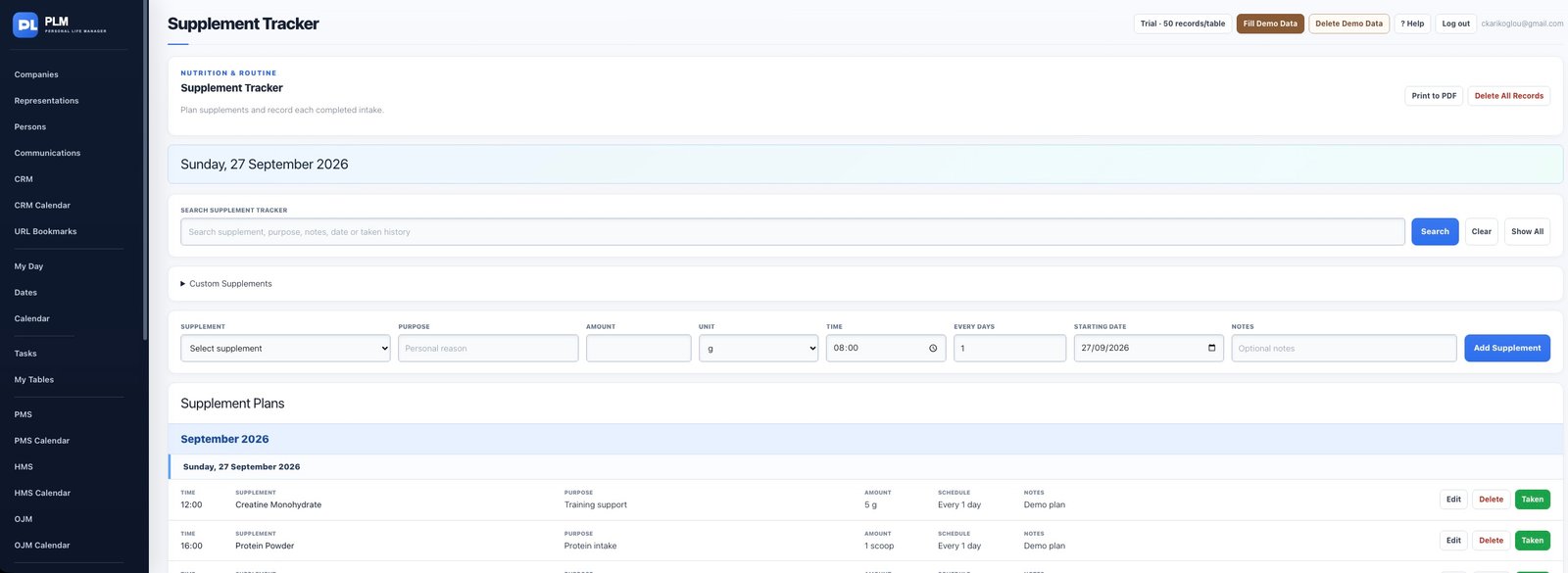
- Expand the separate Custom Supplements area.
- Add a descriptive custom name there.
- Return to the plan dropdown and choose the saved name.
Example
Add a custom product name in Custom Supplements first. Select it from the plan dropdown rather than entering an unrelated built-in supplement.
Check the result: Return to the plan dropdown and choose the saved name.