Record a taken supplement
Maintain user-defined supplement plans and taken history.
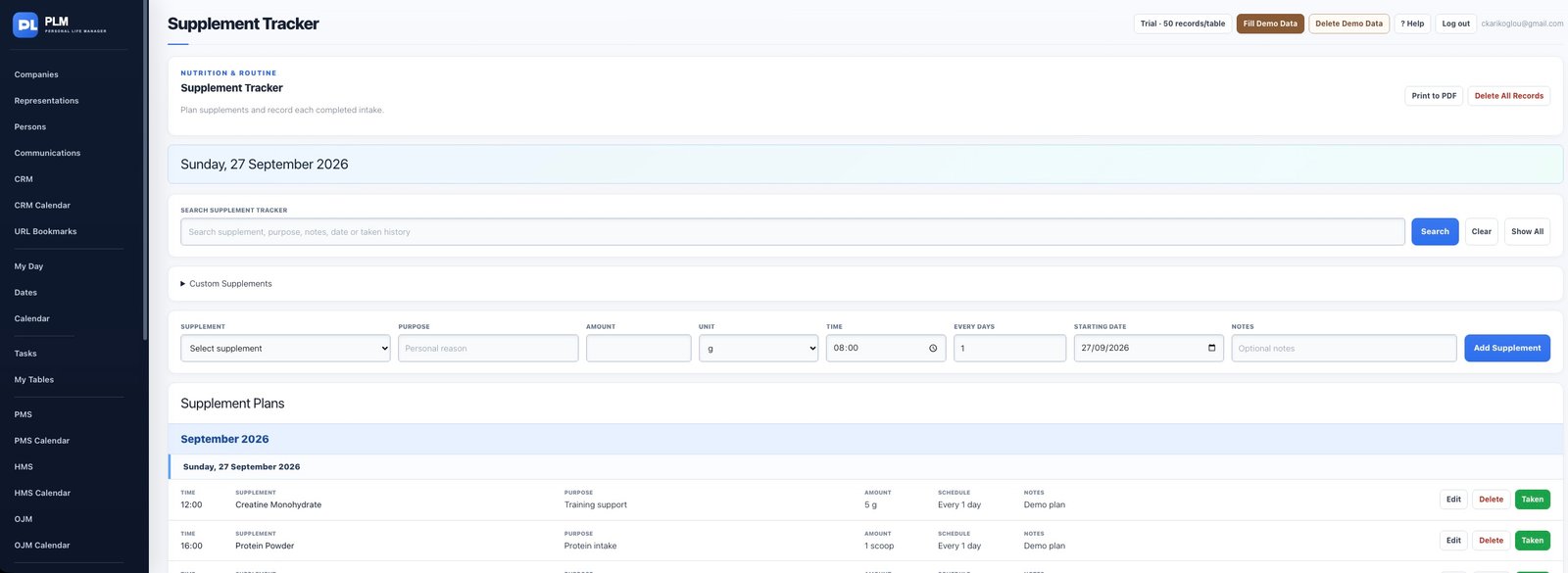
- Locate the correct plan and check its time and amount.
- Use Taken only for an intake you want to record.
- Open Taken History to review the resulting entry.
Example
Check the scheduled row before using Taken. Repeated clicks may represent repeated history entries rather than a change to the original plan.
Check the result: Open Taken History to review the resulting entry.