Search taken history
Maintain user-defined supplement plans and taken history.
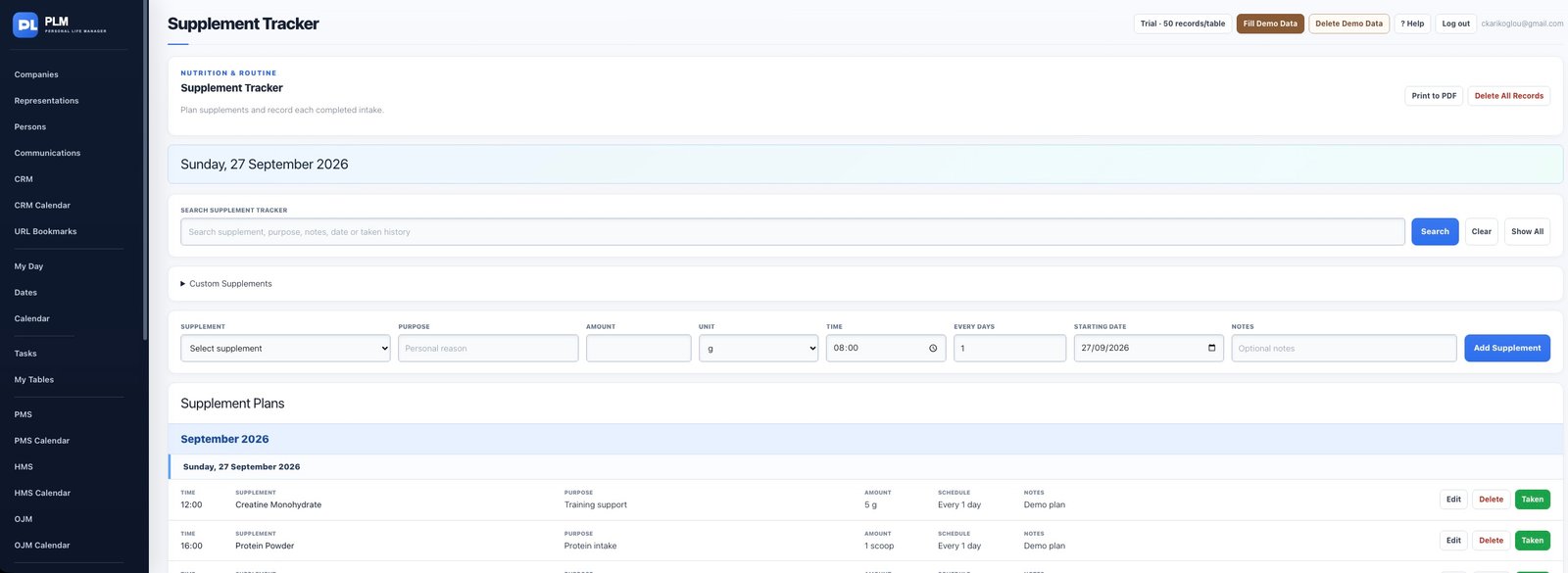
- Expand the collapsed Taken History section.
- Choose the history month and supplement filter.
- Review the entries or use Print History for the selected results.
Example
Choose the previous month and one supplement in Taken History. Review the filtered entries before printing the history.
Check the result: Review the entries or use Print History for the selected results.