Create a useful follow-up task
Manage actions, subtasks, dates, priorities and recurring work.
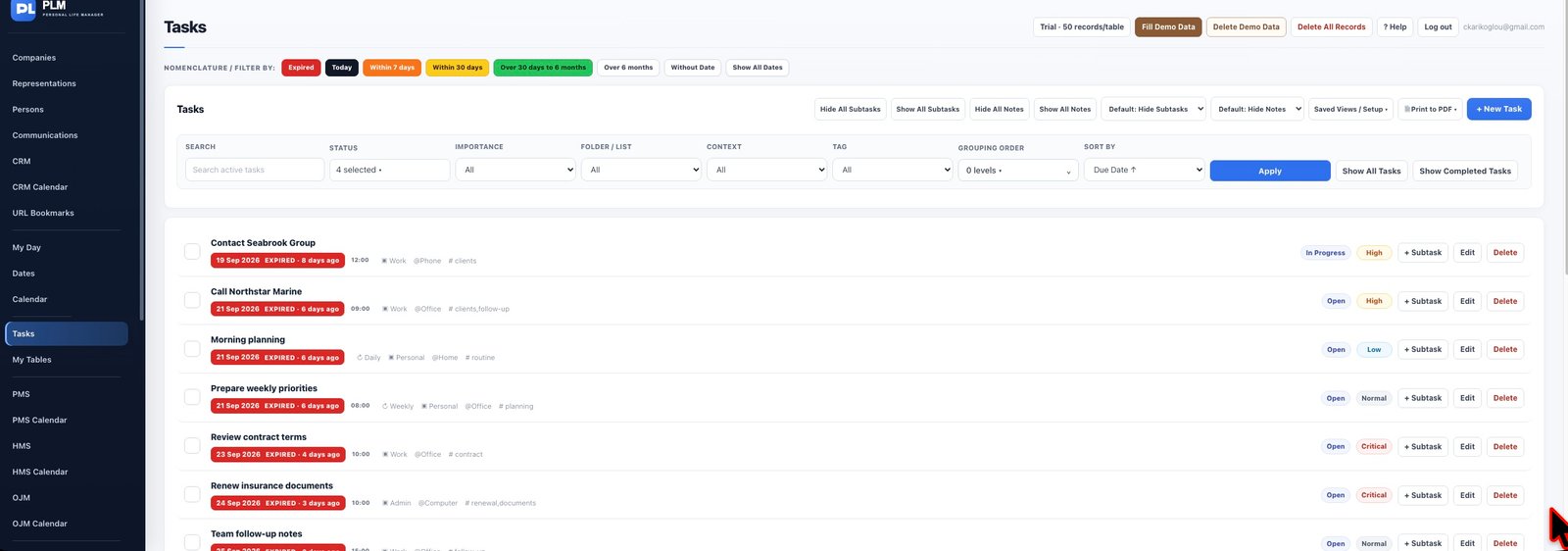
- Use a specific action title such as Call supplier about quotation.
- Set the due date, optional time and importance.
- Add the reason for the call in notes and save the task.
Example
Call Northstar about quotation 104 is easier to act on than Supplier. Notes can hold the quote reference and the question you need answered.
Check the result: Add the reason for the call in notes and save the task.