Find work by folder, context and tag
Manage actions, subtasks, dates, priorities and recurring work.
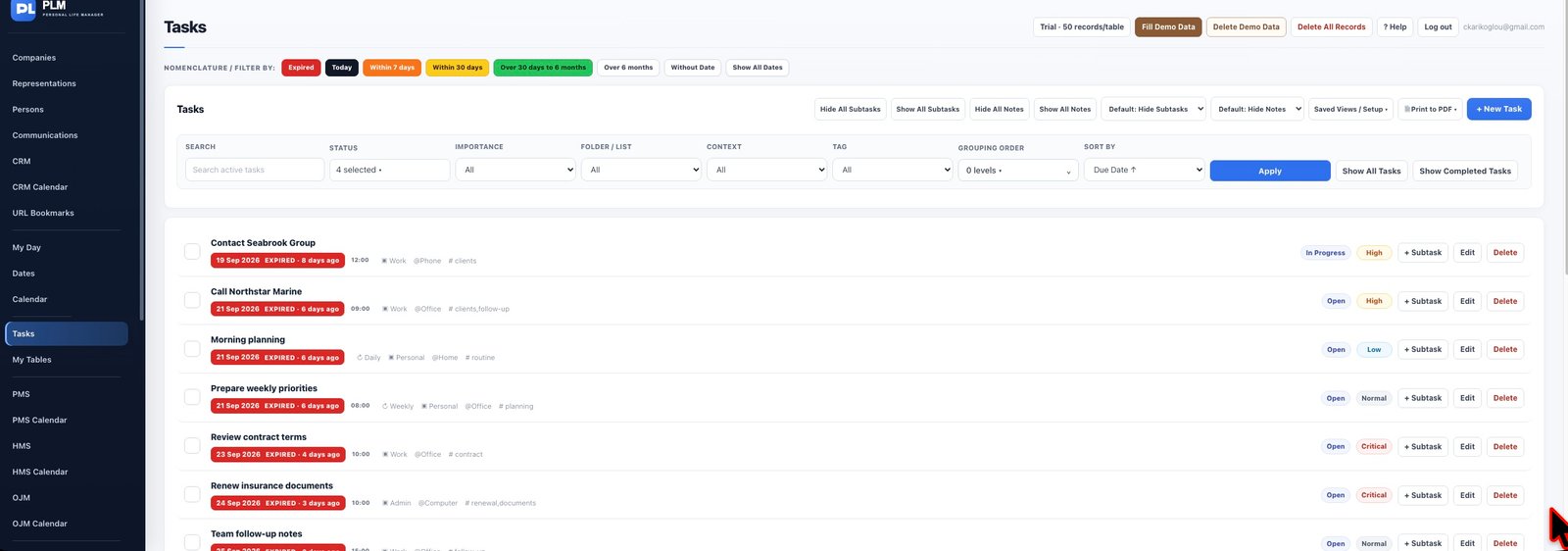
- Use a broad folder such as Work and a context such as Phone.
- Add tags for subjects that cut across folders.
- Apply the available filters and clear them when returning to the full task list.
Example
A call can belong to Work, use Phone as its context and carry the tag renewal. Those labels answer different questions during filtering.
Check the result: Apply the available filters and clear them when returning to the full task list.