Organise subtasks and recurrence
Manage actions, subtasks, dates, priorities and recurring work.
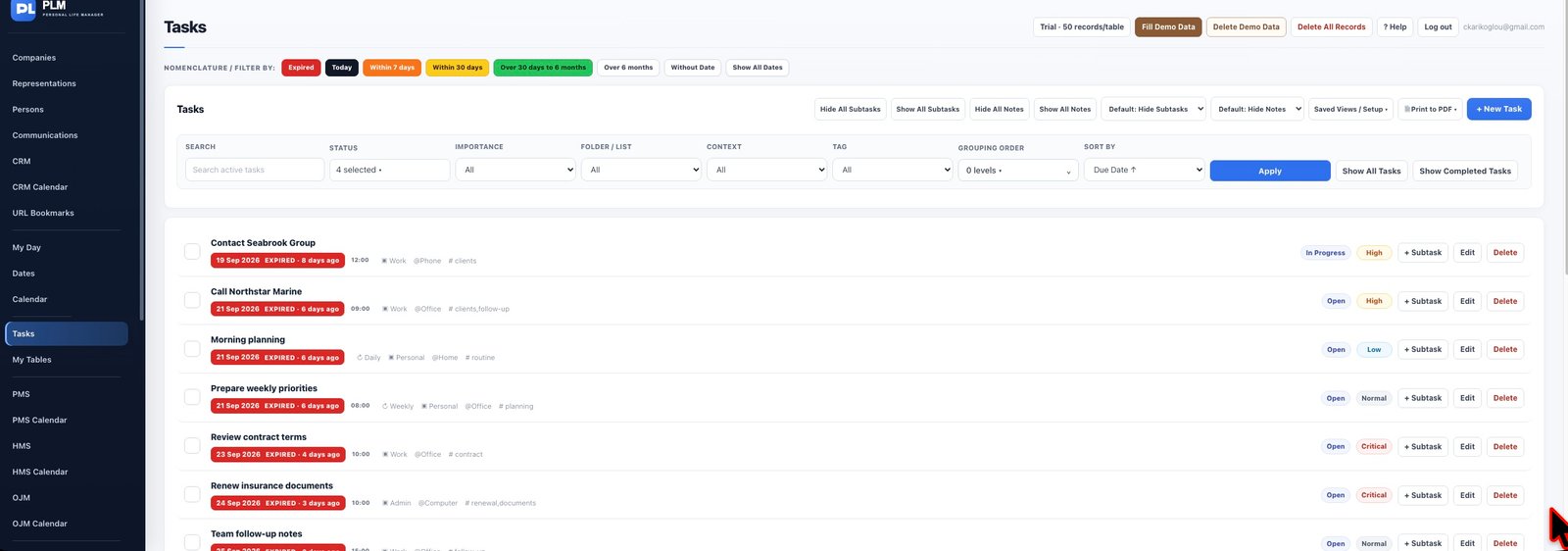
- Create the main action before assigning child tasks.
- Choose a recurrence only for work that repeats.
- Check the next occurrence after completing recurring work so its date matches your intention.
Example
For Prepare presentation, use subtasks for Collect figures and Review slides. A weekly planning task can recur without making every presentation recur.
Check the result: Check the next occurrence after completing recurring work so its date matches your intention.