Use saved task views
Manage actions, subtasks, dates, priorities and recurring work.
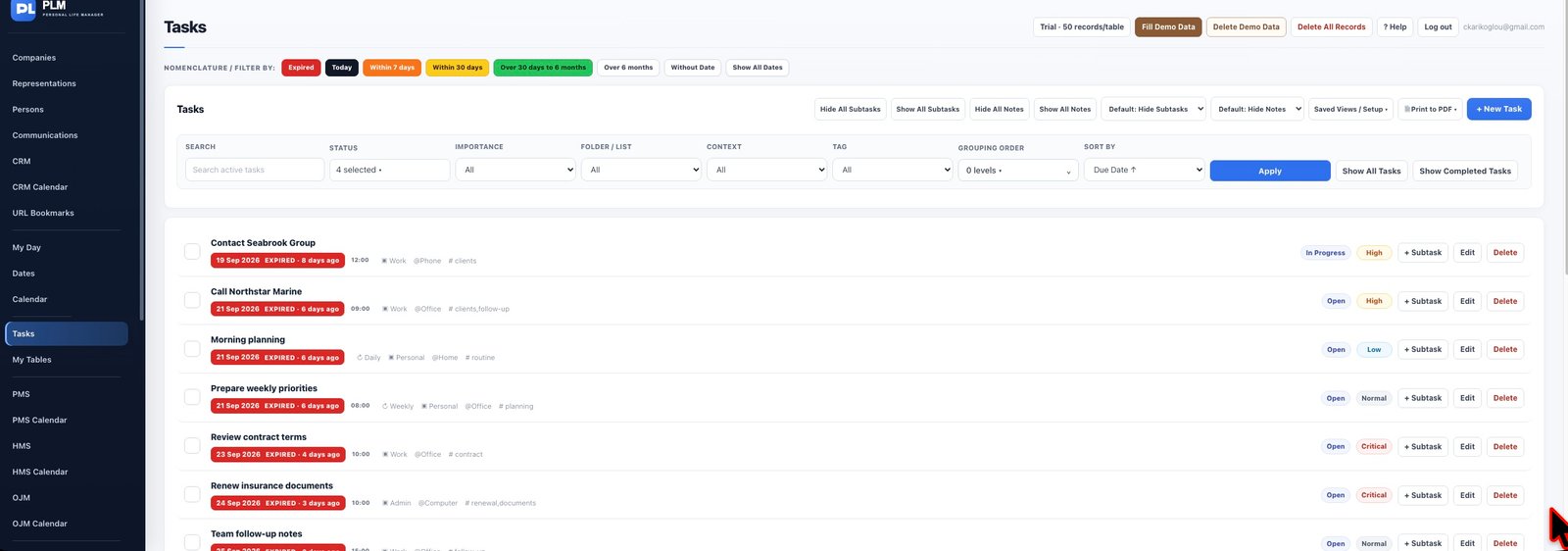
- Set the status, sorting and grouping you need.
- Save a named view such as Weekly calls.
- Open that view later and check its filters before interpreting the result count.
Example
Save Open supplier calls after setting its filters. On a later visit, completed calls may be absent because the saved status filter still applies.
Check the result: Open that view later and check its filters before interpreting the result count.