Group related bookmarks
Organise website links and associated login information.
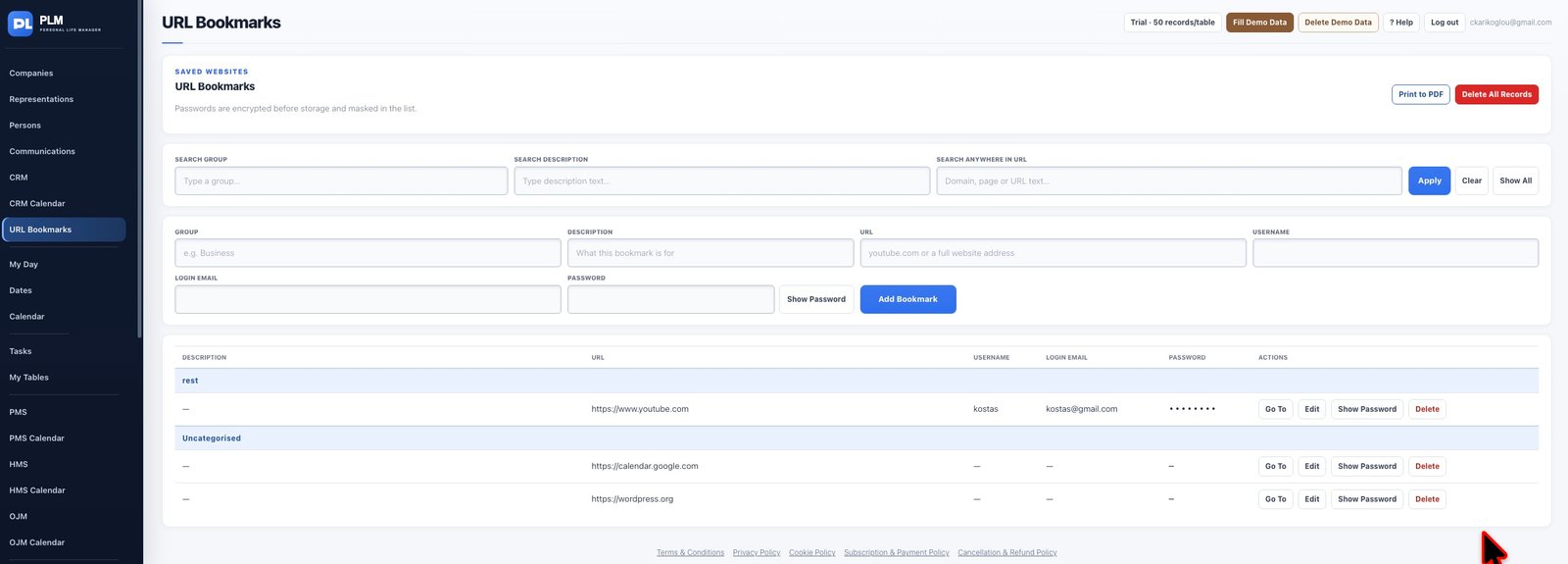
- Use one consistent group name for related sites.
- Search by group, description or URL.
- Use Show All when moving from one group to another.
Example
Keep finance portals in one consistent group rather than creating Finance and Finances accidentally. Search by the chosen group when needed.
Check the result: Use Show All when moving from one group to another.